Why isn’t my Google Business Profile showing up?
Your profile may not appear if your information is outdated or incomplete. Google needs accurate details to understand and trust your listing, and even small errors can reduce visibility.
Make sure your NAP details are consistent across all platforms and verify your profile. Once everything matches, Google is more likely to show your business in search results.
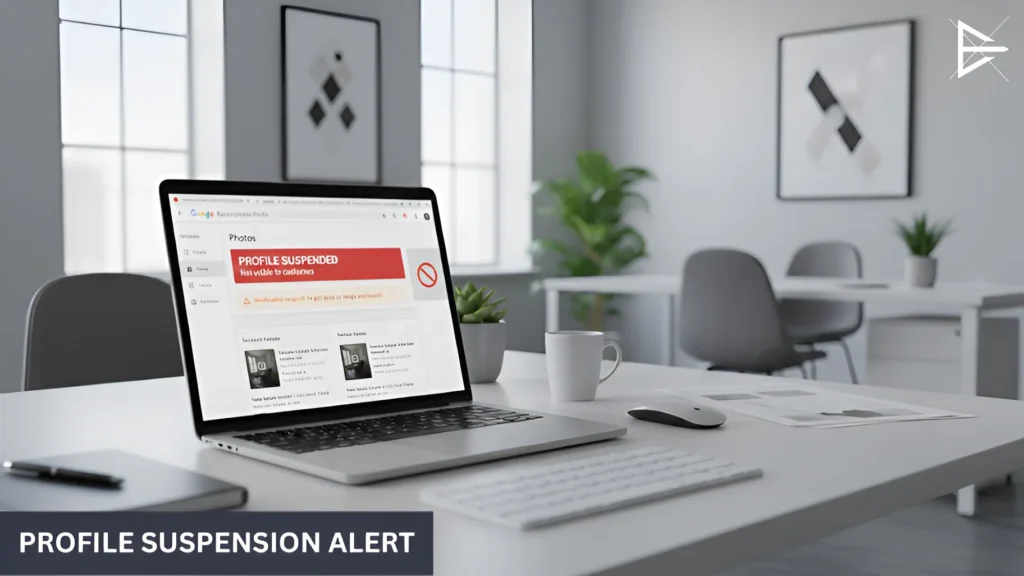
How do I fix a Google Business Profile suspension?
Suspensions usually happen when Google detects incorrect info or guideline violations. Review your profile closely to make sure everything follows Google’s rules.
After fixing any issues, submit a reinstatement request. Google will check your updates, and if everything is correct, your profile will be restored.
Why did my Google Business Profile get suspended?
Profiles often get suspended when the address is invalid, the information is misleading, or the account triggers unusual activity. Google prefers clear, verifiable details.
Correct the information and follow Google’s requirements, then request reinstatement to get your profile active again.
How long does it take for my Google Business Profile to get verified?
Phone and email verification usually take a few days. Mail verification can take one to two weeks depending on your location.
To avoid delays, make sure all your business details are complete and accurate before starting the verification process.
How do I fix missing or disappearing reviews?
Reviews may disappear when Google filters them for spam or guideline violations. It often happens when reviews are too short or look repetitive.
Ask customers for detailed feedback and respond regularly. This helps keep your reviews active and builds trust with Google and potential clients.
Why aren’t my photos showing up on Google Business Profile?
Photos may be rejected if they are blurry, low resolution, or unrelated to your business. Google prefers clear and useful images.
Upload bright, high-quality photos that show your business clearly. Fresh photo updates also signal activity to Google.
How do I make sure my Google Business Profile shows up in local search?
Your profile needs accurate business info and the right primary category to appear in local search. Missing services or outdated details can lower your visibility.
Keep your profile active with photos, posts, reviews, and updates. The more complete and engaged it is, the more often Google will show it.
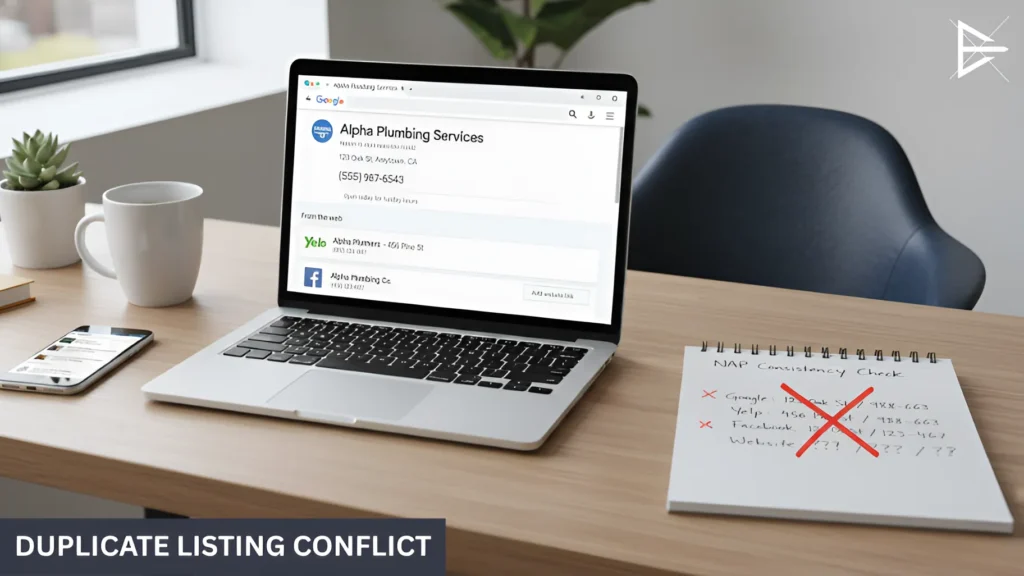
What should I do if my Google Business Profile has duplicate listings?
Duplicate profiles confuse Google and split your visibility. This can cause ranking issues and lower your chances of being found.
Use the merge or remove option inside your Google Business dashboard to clean up duplicates and keep one accurate listing.
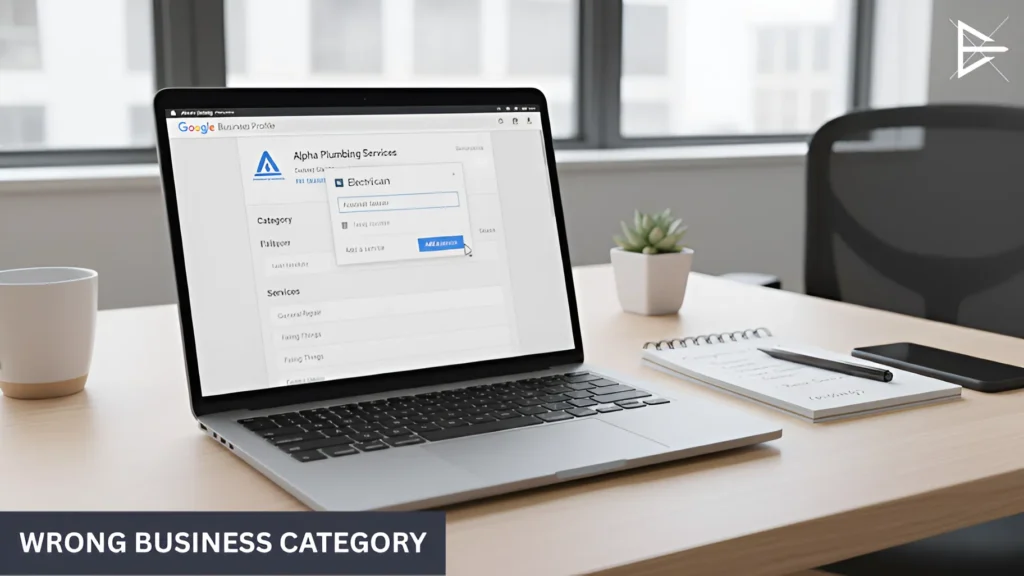
How do I choose the right category for my business on Google?
The right category helps Google understand what you do and who to show your profile to. Choosing the wrong one can attract the wrong audience.
Select the category that best describes your main service and add secondary categories only if they truly match your business.
Why is my Google Business Profile not getting any views?
A drop in views often means something in your profile is incomplete or outdated. Even small issues can hurt visibility.
Update your photos, check your hours, and make sure your description is complete. These small changes can help your profile gain traction again.
How do I fix incorrect business information on Google?
Incorrect details confuse both Google and your customers. If your NAP info doesn’t match across platforms, your ranking may drop.
Update the incorrect info inside your Google dashboard and make sure it matches your website and other listings.
How often should I update my Google Business Profile?
Even if nothing changes, updating your profile regularly helps keep it active in Google’s eyes. Fresh content signals that the business is open and active.
Upload photos, post updates, and respond to reviews weekly or monthly to stay competitive in search results.
Why aren’t my reviews syncing with Google?
Reviews may fail to sync if Google suspects spam or finds patterns that look unnatural. This can make reviews disappear or not show at all.
Make sure reviews are genuine and unique. Responding to reviews also helps Google treat your profile as trustworthy.
How do I fix missing business hours on Google Business Profile?
Missing hours can lead to lost customers and fewer clicks. Google prioritizes profiles with complete and clear information.
Update your hours inside your dashboard, including holiday schedules. This helps customers know exactly when you’re open.
How can I make my Google Business Profile stand out in search results?
A standout profile has accurate details, strong photos, and active engagement. These elements help your listing appear more often.
Reply to reviews, add posts, and upload new photos to keep your profile fresh and appealing to both Google and potential customers.
Can I have multiple Google Business Profiles for one business?
Multiple profiles can confuse customers and reduce your ranking. Google prefers one accurate, complete listing per business.
If you have duplicates, merge them into one profile to strengthen your visibility and avoid ranking issues.
How do I check if my Google Business Profile is verified?
Log into your dashboard and check the status next to your business name. If it says Verified, your profile is active.
If not, follow Google’s verification steps so your profile can appear in search results and maps.
How do I merge two Google Business Profiles?
Go to your dashboard and look for the duplicate listings tool. Merging cleans up your visibility and prevents confusion.
After merging, all your information stays organized under one strong, complete profile.
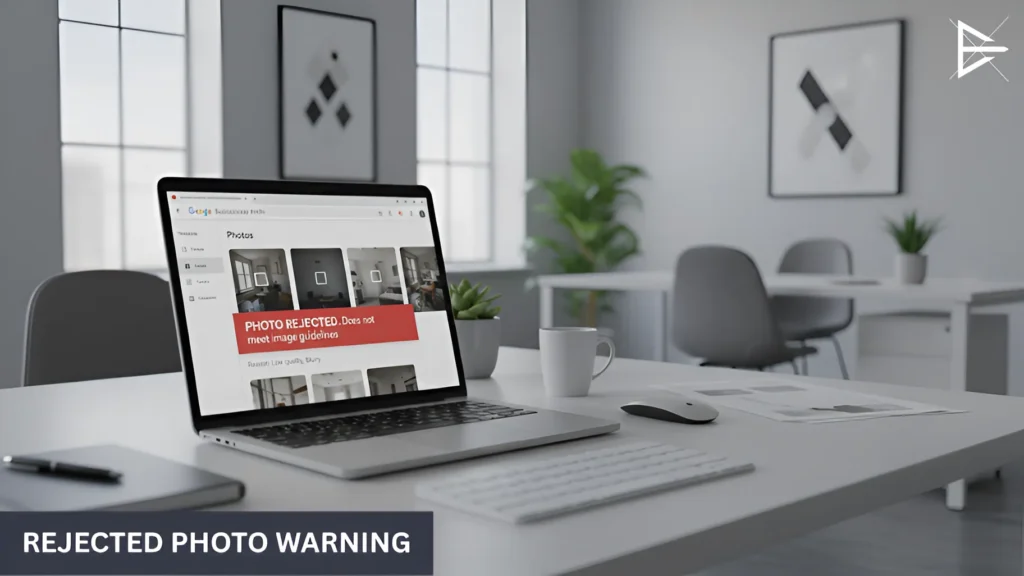
Why are my photos rejected by Google Business Profile?
Photos get rejected when they are blurry, too dark, unoriginal, or unrelated to your business. Google wants real, clear images.
Use bright, high-quality pictures that show your business in a professional and accurate way to increase acceptance.
How do I use Google Posts to improve my profile?
Google Posts help show that your business is active. Sharing updates, offers, and news makes your profile more engaging.
Posting regularly improves your chances of showing up in search and helps customers learn more about your business.