Understanding On-Page SEO

What On-Page SEO Actually Includes (And What It Doesn’t)

Learn what you can fix on a page, what you can’t, and where on-page SEO really fits.


Quick Answer: What On-Page SEO Really Means

When someone searches for something on Google and clicks a page, on-page SEO is what helps that page make sense to both the visitor and the search engine.

In simple terms, on-page SEO is the work done directly on a page to explain what it is about, who it is for, and why it should show up for a specific search. This includes the content, the headings, how information is laid out, and how clearly the topic is communicated.

The reason on-page SEO matters is because Google cannot guess intent. It relies on the signals you give it on the page itself. When those signals are clear, the page has a much better chance of ranking and converting visitors once they arrive.

What You’ll Learn in This Guide

The Real Goal of On-Page SEO

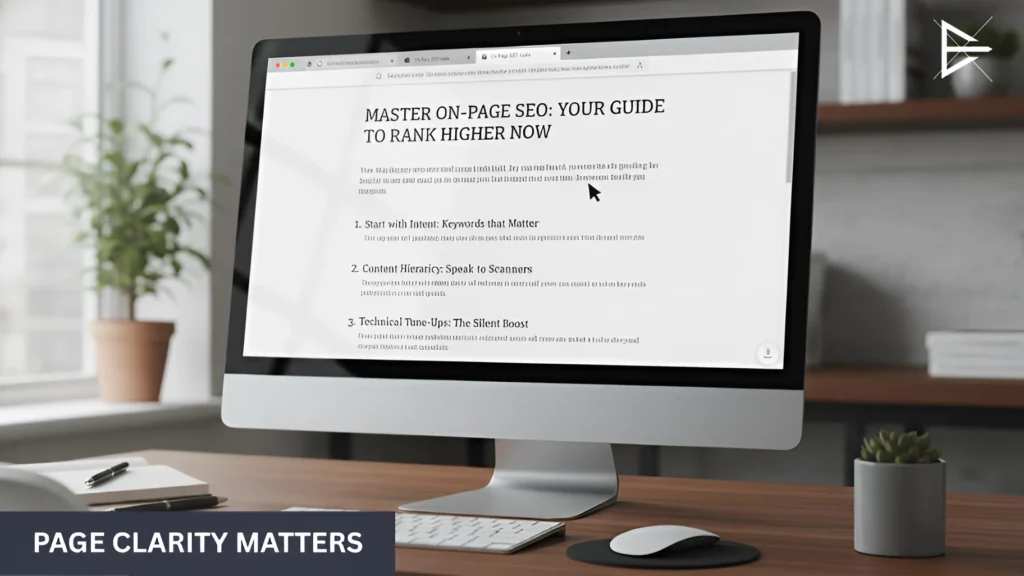
Desktop monitor displaying a clearly structured web page with a visible headline, organized sections, and readable content layout.

The real goal of on-page SEO is not to please an algorithm. It is to make sure a page makes sense the moment someone lands on it. If a visitor has to stop and figure out what the page is about, something is already wrong.

When on-page SEO is done well, three things usually happen:

● The topic is obvious right away

A good page does not make people guess. The main idea is clear from the headline, the opening lines, and the way the page is laid out. This is where many pages fail. They try to cover too much and end up feeling unfocused.

● The content matches the search

Ranking is not about mentioning keywords. It is about answering the reason someone searched in the first place. Pages struggle when they talk around the topic instead of addressing it directly.

● The page is easy to move through

People scan before they read. If they cannot quickly find what they need, they leave. Clear headings, short sections, and a logical flow matter more than most people realize.

Content and Keyword Optimization

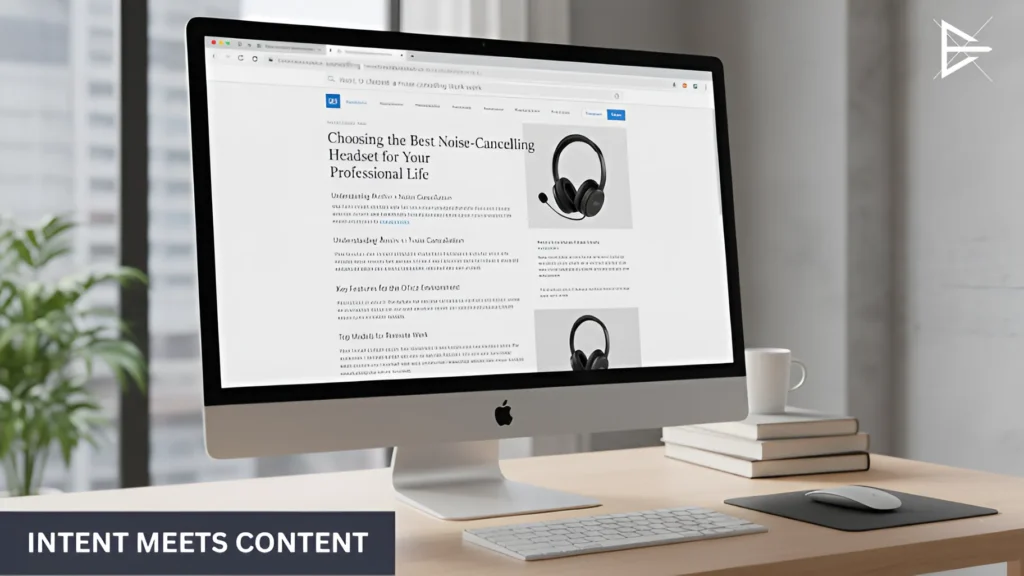
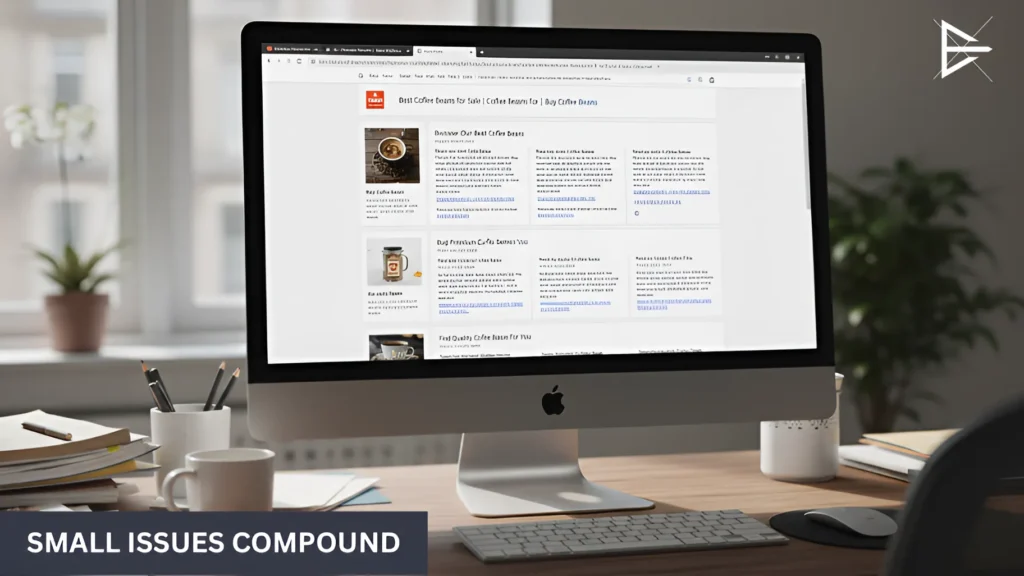
Computer screen showing a cluttered web page with dense text, repeated elements, and multiple links that make scanning difficult.

Most pages that struggle with rankings do not fail because they lack keywords. They fail because the content does not match what people actually searched for.

Content and keyword optimization is about lining those two things up.

Here is what that looks like in practice:

● The page matches the search intent

Before anything else, the content needs to fit the reason behind the search. If someone is looking for an answer and the page reads like a sales pitch, they leave. If they are looking for a service and the page stays vague, it also fails. Intent mismatch is one of the
most common problems.

● Keywords fit naturally into the page

Keywords should feel like they belong there. They show up in headings, important sections, and places where they make sense. When keywords start to feel forced, the content usually becomes harder to read and less effective.

● The content is worth reading

Useful content gets to the point. It answers real questions and stays focused on the topic. Pages that add filler just to sound longer often lose trust and attention.

Title Tags, Meta Descriptions, and Headings

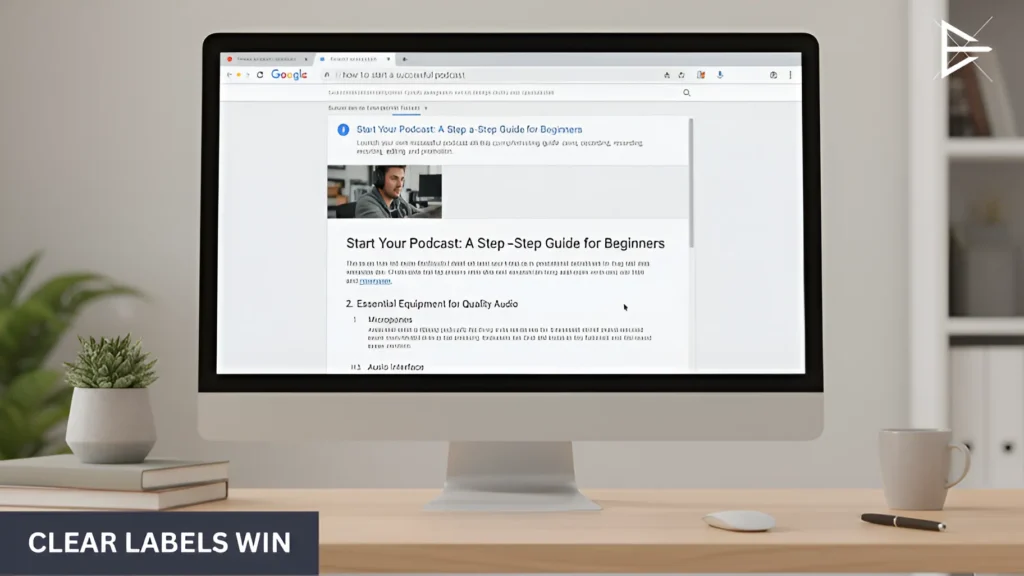
Minimal desktop workspace with a web page focused on core content only, without ads, tools, or distractions outside the page.

A lot of pages do not have a ranking problem. They have a labeling problem. The content might be solid, but the page does not clearly explain itself in search results or on the page.

These three elements are usually where that happens.

● Title tags

This is the first thing people see in Google. If the title is vague, too long, or stuffed with keywords, people skip it. Google may also rewrite it, which is usually a bad sign.

● Meta descriptions

These decide clicks. Not rankings. A good description sets expectations. A bad one confuses people or says nothing useful, so they choose another result instead.

● Headings (H1–H3)

Headings are for real people, not just SEO. One clear H1 should explain the page. The rest should help someone scan and find answers fast. When headings repeat or feel generic, the page becomes harder to use.

URL Structure and Internal Linking

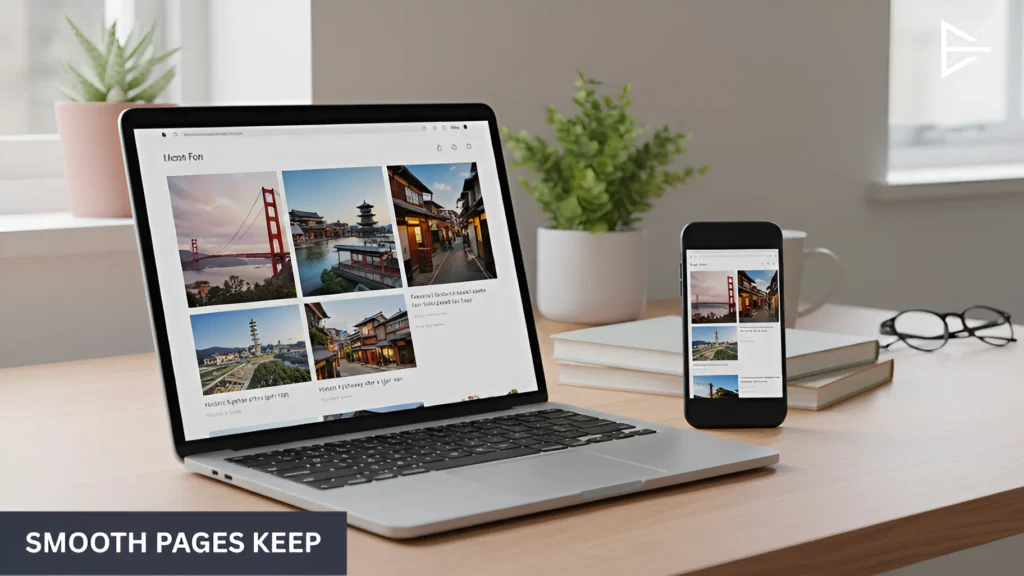
Laptop and smartphone displaying the same web page with properly sized images and a smooth, mobile-friendly layout.

This is where many sites slowly lose visibility without noticing. Nothing breaks. No errors show up. Pages just stop getting attention.
URLs and internal links control how pages are found and how they relate to each other.

When these are unclear, search engines struggle to understand the site, and visitors struggle to move through it.

Here is where problems usually start:

● Messy or unclear URLs

A URL should tell you what the page is about at a glance. When it is long, filled with numbers, or auto-generated, it sends weak signals. This often happens when pages are created quickly and never cleaned up later.

● Internal links added without intent

Internal links are not just for SEO. They guide people. A good link helps someone move to the next useful page. A bad one feels random or leads nowhere helpful. When important pages are not linked clearly, they get ignored by both users and search engines.

These issues rarely feel urgent, which is why they last so long. But over time, they affect how pages are discovered, how authority flows through the site, and which pages actually perform.

Image Optimization and Page Experience

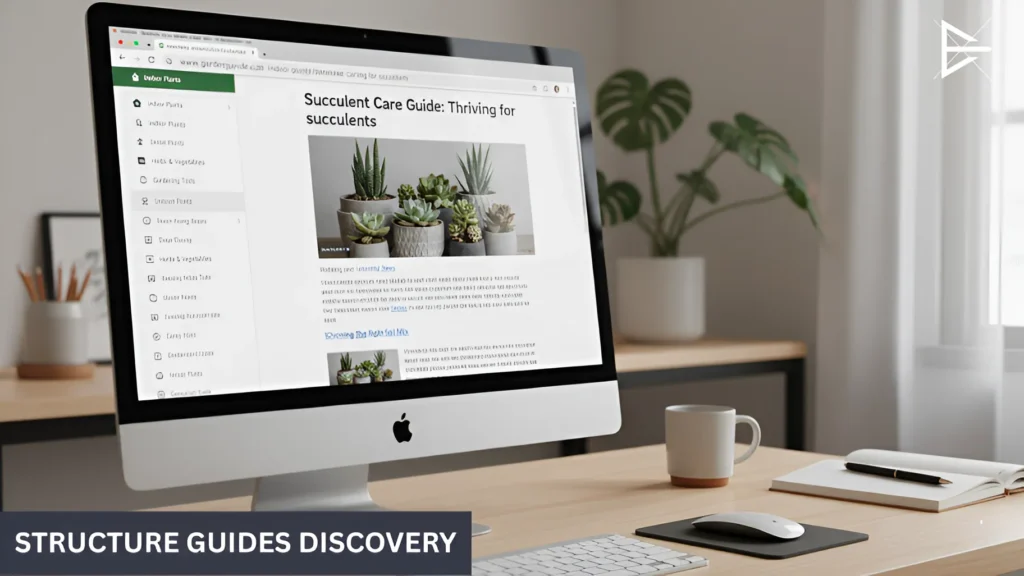
Desktop monitor showing a website with clear navigation, internal links, and a readable page structure that supports easy browsing.

This is where people decide whether to stay or leave. Not because the content is bad, but because the page feels slow or annoying.

Most of the time, nothing is broken. The page loads. It just does not feel good to use.

A few things usually cause that:

● Alt text and accessibility

Alt text explains what an image is showing. It helps search engines and people who cannot see the image. When it is missing, the image does nothing except take up space.

● Images that are too big

Big images slow pages down. This often happens when images are uploaded straight from a phone or camera. Even one large image can make a page feel heavy.

● Mobile feel and basic speed

Most people are on their phones. If the page is slow, hard to read, or hard to tap, they leave. It does not have to be perfect. It just needs to feel smooth.

What On-Page SEO Does NOT Include

Web page displayed on a desktop screen with a clear title, strong headline hierarchy, and scannable headings.

On-page SEO only covers what you can change on the page itself. A lot of people get stuck because they mix it up with other work that happens somewhere else.

Here are a few things that are often confused with on-page SEO, but are not part of it.

● Links from other websites

Things like backlinks and mentions happen outside your site. They matter, but you cannot fix them by editing a page. That is a different type of SEO work.

● Server and site setup issues

Hosting, indexing, crawl problems, and code-level fixes are not on-page SEO. If it lives in the backend or requires server access, it falls into technical SEO.

● Paid ads and promotions

Running Google Ads or social ads does not change how a page is optimized. Paid traffic and on-page SEO are separate, even though they often get mixed together.

Common On-Page SEO Mistakes That Hold Pages Back

Article page on a desktop monitor that closely matches a search query with focused content and relevant sections.

Most on-page SEO problems are simple. Pages do not fail because of complex SEO rules. They fail because of small things that pile up.

These are the mistakes that show up the most.

● Keyword stuffing

This is when the same words are used too many times. The page starts to sound strange. People notice. Google does too.

● Duplicate or missing metadata

Many pages share the same title or have no description at all. In search results, they all look the same. When nothing stands out, people skip them.

● Thin content

Some pages look done but say very little. They avoid details and never really answer the question. People leave fast.

● Poor internal linking

Important pages are hard to find. There are no clear links pointing to them. When a page is buried, it gets ignored.

● Over-optimization

This is when SEO feels obvious. Too many keywords. Too many links. Too much going on. The page stops feeling natural.

How I Help Clean Up On-Page SEO That Isn’t Working

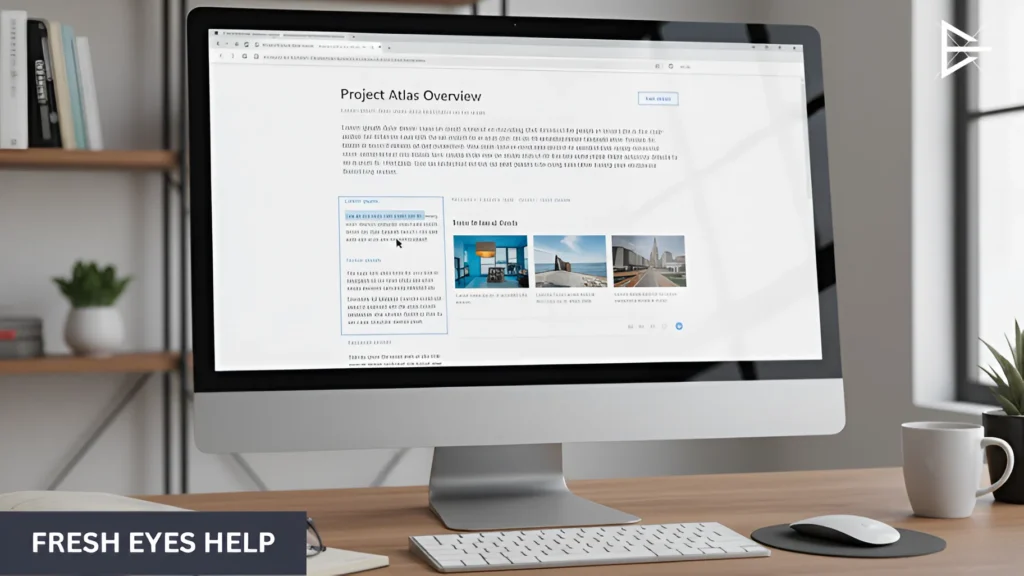
Desktop screen showing an on-page SEO guide being reviewed, with existing content refined for clarity and structure.

Most people do not reach out because they know something is wrong. They reach out because results stop moving and they do not know why.

The page looks fine. The content is there. The basics are done. But traffic stays flat, or rankings slowly drop.

That is usually when I get involved.

A lot of the time, the issue is not a big mistake. It is small things stacking up across the page or across the site. Things that are easy to miss when you have been working on it for a while.

This is where having someone else look at it helps:

● Seeing problems that blend in when you stare at the same page

● Catching patterns that repeat across multiple pages

● Removing SEO changes that are doing more harm than good

● Making pages clearer without starting over

Final Thoughts

On-page SEO is not about clever moves or chasing updates. It is about making pages easy to understand.

When someone lands on a page, they should not have to think too hard about what it is for or what to do next.
The basics sound simple, but they are easy to get wrong. Pages change.

Content gets added. Small issues pile up over time. That is usually when performance starts to slip, even though nothing obvious looks broken.

When pages stay clear and focused, they tend to hold up better. Rankings are more stable. Visitors stick around longer. Other SEO work also works better because it has something solid to build on.

Frequently Asked Questions

What is on-page SEO in simple terms?

On-page SEO is the work done directly on a web page to help it make sense to both search engines and real people. When someone lands on a page, on-page SEO helps them quickly understand what the page is about and whether it can help them.

This includes the words on the page, the headings, how sections are organized, and how clearly the topic is explained. If these parts are clear, Google has an easier time ranking the page, and visitors are more likely to stay and take action.

Why is on-page SEO important?

On-page SEO is important because it controls the signals Google uses to understand a page. Without clear signals, search engines may rank the page for the wrong searches or not rank it at all.

It also affects how people behave once they arrive. Clear pages are easier to read, easier to scan, and easier to trust. When visitors understand a page quickly, they are more likely to stay, scroll, and convert.

Is on-page SEO still important today?

Yes, on-page SEO is still important, even as search algorithms evolve. Google still depends on clear page content to understand intent and relevance.

While tools and trends change, clear pages remain stable over time. Pages with strong on-page SEO tend to hold rankings better and require fewer fixes later.

What are the main parts of on-page SEO?

The main parts of on-page SEO include content, keywords, title tags, meta descriptions, headings, URLs, internal links, images, and page usability. These are all things you can adjust directly on the page.

Each part plays a role in clarity. When they work together, they help explain the page topic clearly and guide both users and search engines through the content.

Does on-page SEO include backlinks?

No, backlinks are not part of on-page SEO. Backlinks come from other websites and are outside your direct control.

On-page SEO focuses only on what you can edit on your own site. Keeping this distinction clear helps you focus on the right work instead of trying to fix things that belong to other SEO areas.

Does page speed count as on-page SEO?

Page speed matters because it shapes first impressions. If a page feels slow, people often leave before reading anything, even if the content is helpful. This behavior sends negative signals over time.

On-page SEO covers speed issues you can fix on the page itself, like large images, heavy layouts, and cluttered sections. Server speed and hosting are important too, but those belong to technical SEO, not on-page work.

How many keywords should I use on a page?

There is no rule for how many keywords a page should have. What matters is that the main topic is clear and the language sounds natural.

A good page usually repeats ideas in different ways instead of repeating the same keyword. When the writing flows naturally, search engines can still understand the topic without forcing exact terms everywhere.

What is keyword stuffing?

Keyword stuffing happens when a page repeats the same word or phrase too often in an attempt to rank. This usually makes the content feel awkward and hard to read.

Most keyword stuffing is not intentional. It often comes from trying too hard to optimize. Cutting back usually improves both readability and performance.

What is search intent and why does it matter?

Search intent is the reason behind a search. It explains what the person actually wants when they type something into Google.

If a page matches that intent, people stay longer and interact more. If it does not, they leave quickly, which makes it harder for the page to perform well over time.

Do title tags really matter?

Title tags matter because they help decide who clicks and who scrolls past. Even a small change in wording can affect how often a page gets clicked.

They also help set expectations. When the title matches the content clearly, visitors are more likely to trust the page and keep reading once they land on it.

Are meta descriptions a ranking factor?

Meta descriptions do not directly affect rankings. Updating a meta description alone will not move a page higher in Google results, and Google has confirmed this many times.

However, meta descriptions still matter because they influence whether people click. A clear description helps someone understand what the page offers before they visit. When descriptions are missing, generic, or confusing, pages often get skipped even if they rank well.

How many H1 tags should a page have?

In most cases, a page should have one H1 tag. The H1 sets the main topic and tells both users and search engines what the page is focused on.

When pages use multiple H1s, the structure can become unclear. One strong H1 supported by clear H2 and H3 headings makes a page easier to scan and helps visitors find what they need faster.

Why are internal links important?

Internal links help guide visitors through a website. They point people to related pages, helpful resources, or the next logical step after reading.

They also help search engines understand how pages are connected and which ones matter most. When important pages have few or no internal links, they often struggle to get attention, even if the content itself is solid.

What makes a good URL?

A good URL is short, clear, and easy to understand. It should describe the page topic using simple words without extra numbers or symbols.

Clear URLs are easier to trust, easier to share, and easier for search engines to read. Long or auto-generated URLs often send weaker signals and make pages feel less intentional.

Does image alt text help SEO?

Yes, image alt text helps SEO by explaining what an image shows. This gives search engines more context and helps images support the page topic.

Alt text also improves accessibility for people who use screen readers. When written clearly and naturally, it adds value without needing to repeat keywords or force optimization.

Can images hurt SEO?

Yes, images can hurt SEO when they are not handled well. Large images can slow down a page, which often frustrates visitors and causes them to leave sooner than expected.

Images can also hurt clarity if they do not add meaning to the page. When images are decorative only, missing alt text, or poorly placed, they take up space without helping users or search engines understand the content.

What is thin content?

Thin content is content that looks finished but does not offer much value. It often stays vague, avoids details, or repeats basic ideas without really answering the question.

These pages usually struggle because visitors leave quickly. Over time, thin content loses trust, traffic, and visibility, even if the page follows basic SEO rules.

Can you over-optimize a page?

Yes, a page can be over-optimized. This happens when SEO changes become obvious and start to interfere with readability.

Too many keywords, links, or forced changes can make a page feel unnatural. Pages tend to perform better when optimization supports clarity instead of overpowering it.

How often should on-page SEO be updated?

On-page SEO should be reviewed regularly, especially when content changes or performance drops. Pages are rarely finished forever.

As content grows, small issues can build up. Regular reviews help keep pages clear, accurate, and aligned with what people are searching for now.

When should I get help with on-page SEO?

Getting help makes sense when pages stop improving and it is not clear why. This often happens when small issues stack up over time.

A fresh review can catch problems that are easy to miss when you work on the same pages every day. Fixing the right issues early often saves time and effort later.
About the Author

Harvie Ken Colonia

Hi, I’m Harvie!

I started working with SEO in 2019 after noticing the same issue again and again. Pages looked fine, the content was there, but they were not ranking or converting. Most of the time, the problem was not backlinks or updates. It was the page itself.

Since then, I have focused on on-page SEO and content clarity. A lot of my work comes down to helping businesses see what their pages are actually saying, where things get confusing, and what can be simplified.

Interested in improving how your pages show up and convert? Let’s chat and see what’s possible.