Ranking Mistakes

Common Google Business Profile Mistakes That Hurt Rankings

Small profile mistakes can quietly damage your local rankings.


Why Your Google Business Profile Is Not Ranking

If your Google Business Profile is stuck and not showing in the Map Pack, there’s usually a reason. It’s rarely random.
Most of the time, it comes down to a few common issues that quietly hurt visibility.

Here’s what typically goes wrong:

● Wrong primary category. If your main category doesn’t match your main service, Google may simply rank someone else who is clearer.

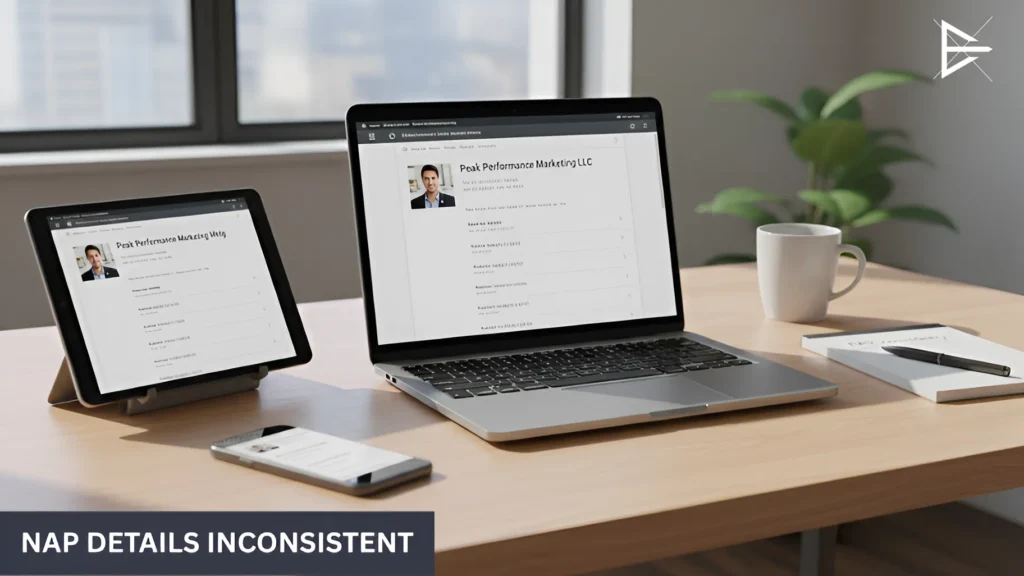
● Inconsistent name, address, or phone number. Small differences across directories can weaken trust. Google prefers consistency.

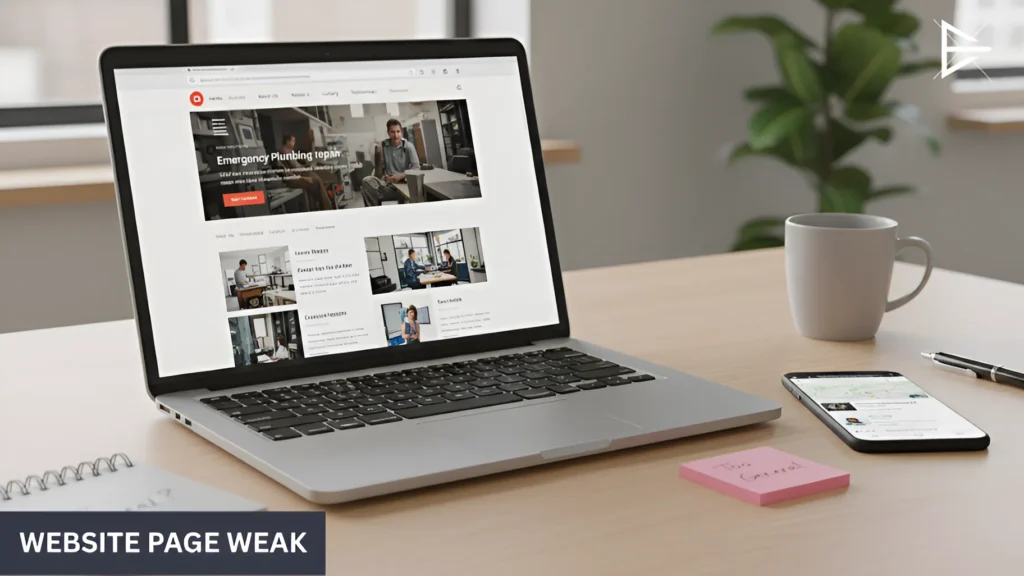
Sending traffic to the wrong website page. Linking to a generic homepage instead of a strong service page can dilute relevance.

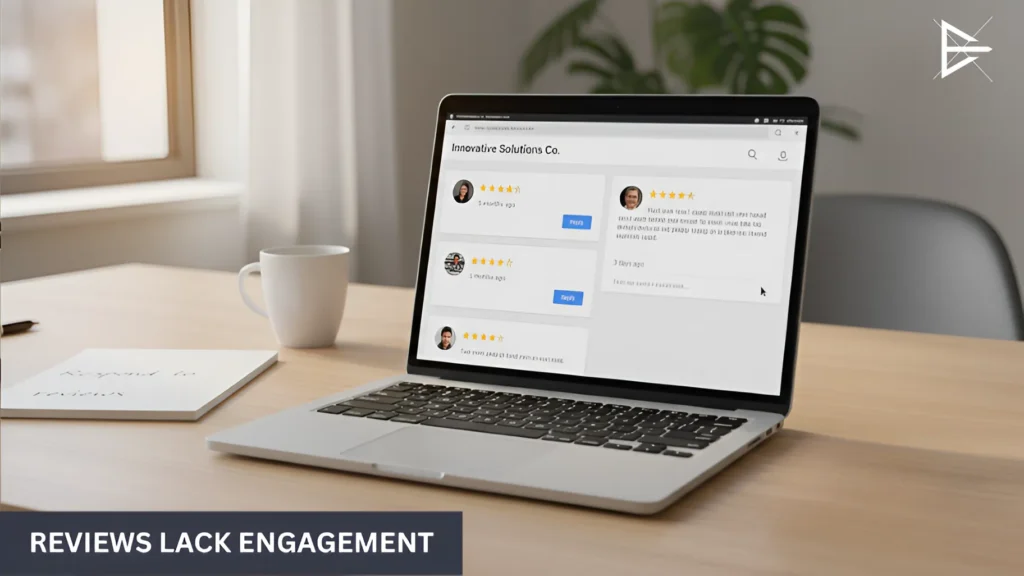
● Ignoring reviews. No responses. Very few reviews. Long gaps. It signals low engagement.

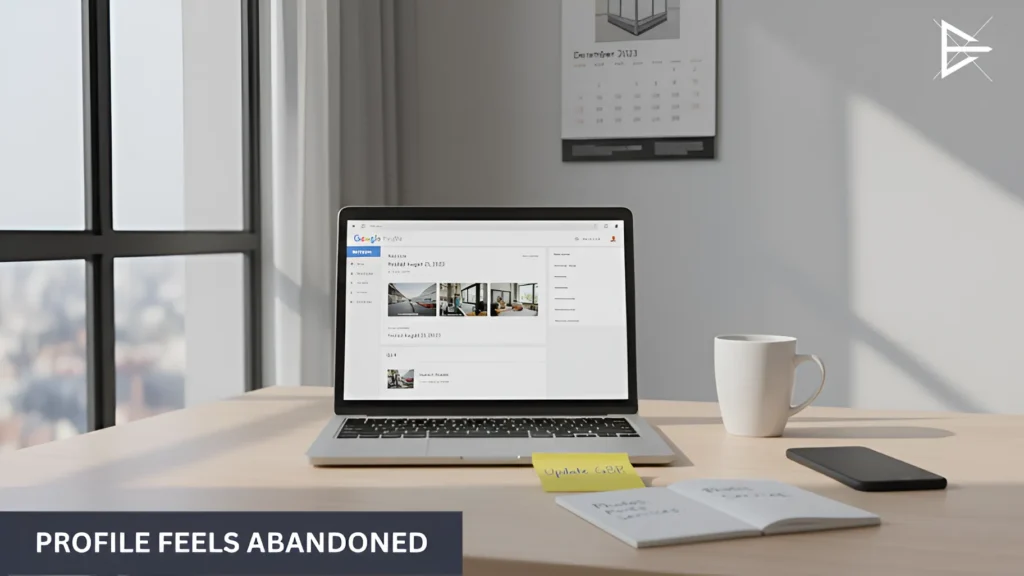
● No recent updates or activity. A profile that hasn’t been touched in months can slowly lose ground to competitors who stay active.

● Keyword stuffing or breaking guidelines. Adding extra keywords to your business name might seem clever, but it often backfires.

What You’ll Learn in This Guide

Mistake #1: Choosing the Wrong Primary Category

Laptop displaying Google Business Profile category settings in a modern office workspace.

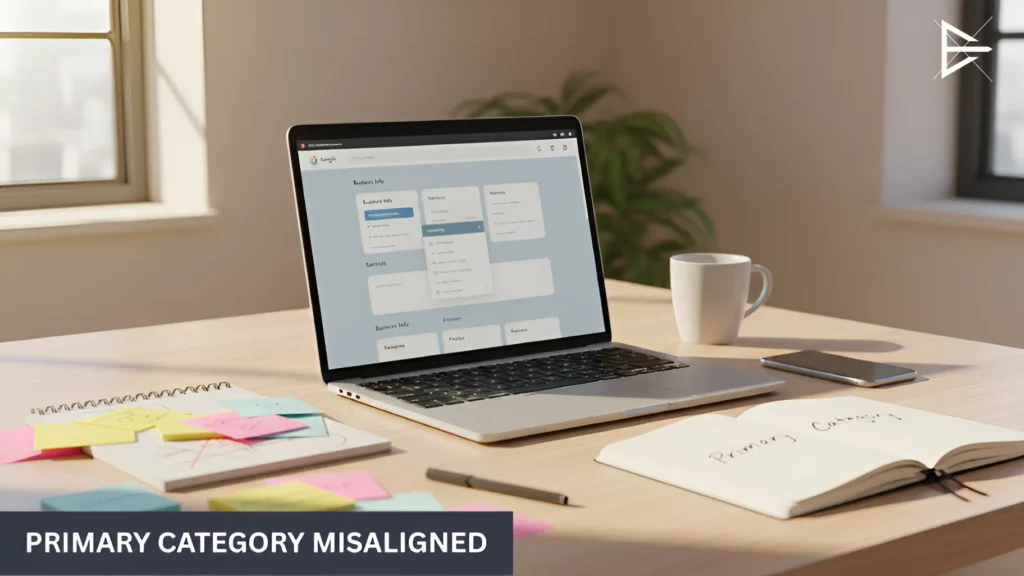
This one causes more ranking problems than most people realize. Your primary category tells Google what your business actually does. Not everything you offer. Just your main thing.

If that signal is off, rankings suffer.

Here’s how it plays out:

● Your profile may not show up at all

If someone searches for a service and your main category does not match closely, Google might skip your profile completely. You do the work. You offer the service. But your listing does not qualify for that search.

● You end up competing in a wider pool

A broad category puts you in a crowded group. The more general it is, the harder it becomes to stand out. Specific businesses often win because they look more focused.

● Google favors clear signals

When another business clearly defines its main service, Google does not have to guess. Clear businesses usually rank better.

● Secondary categories do not carry the same weight

Adding more categories does not fix a weak primary one. The main category still matters most.

Mistake #2: Inconsistent Name, Address, and Phone (NAP)

Primary category misaligned in Google Business Profile settings, shown on a laptop in a clean office workspace.

This is one of those problems that businesses ignore because it feels minor. It’s just an address. Just a phone number. What’s the big deal?

But to Google, details matter.

Here’s where things usually go wrong:

● Your business name is slightly different on other sites

Maybe one listing says “Smith Plumbing LLC” and another says “Smith Plumbing.” That small change creates mixed signals. Google prefers clean, matching information.

● Old phone numbers are still floating around

You switched numbers years ago, but a few directories still show the old one. That weakens trust, even if customers never notice.

● Your address is formatted differently

“Suite 200” on one site. “Ste 200” on another. Or missing entirely somewhere else. These tiny differences add up.

● Duplicate listings exist

Sometimes there are two versions of your business online. That splits authority and confuses search engines.

Google Business Profile rankings rely heavily on trust and consistency. When your details match everywhere, your profile looks solid. When they don’t, your authority becomes shaky.

Mistake #3: Linking to a Weak or Non-Optimized Website Page

Website page weak and too general for service intent, shown open on a laptop in a modern office.

Your Google Business Profile does not stand on its own. The page you link to matters more than most people think. If that page is slow, too general, or unclear about what you actually do, it can quietly limit how well your profile ranks.

Here’s where this usually goes wrong:

● Sending traffic to the homepage instead of a focused service page

If someone searches for a specific service and lands on a general homepage, the connection is weaker. Google looks for a clear match between the search, your profile, and the page.

● Slow load speed

When a page takes too long to load, people leave. Google sees that behavior. Over time, slow pages can hurt local visibility.

● Broken links or unnecessary redirects

Sometimes the website link goes through multiple redirects or leads to an outdated page. It may still load, but the signal becomes weaker and less clean.

● No clear service focus on the page

If your profile highlights a service but the linked page barely mentions it, the signals do not align. Mixed signals make ranking harder.

Mistake #4: Ignoring Reviews or Responding Poorly

Reviews lack engagement, with customer feedback visible on a business profile and no meaningful responses.

This one is easier to ignore than it should be. A lot of business owners think reviews are just about reputation. They’re not. Reviews affect how your Google Business Profile performs. And silence is not neutral. It says something.

Here’s where things usually slip:

● No replies at all

When reviews sit there unanswered, the profile looks unattended. Google notices activity. Customers do too.

● Very few reviews compared to competitors

If others in your area have steady feedback and you don’t, you look less trusted. That affects clicks. And clicks matter.

● Defensive or rushed responses

Short replies like “Call us” or “You’re wrong” can hurt more than help. The response is public. Future customers read it.

● Long gaps between reviews

If the last review was months ago, the profile can feel stale. Active businesses usually generate steady feedback.

Mistake #5: Treating GBP as a “Set It and Forget It” Tool

Profile feels abandoned, showing outdated posts and minimal recent activity on a laptop screen.

A lot of businesses create their Google Business Profile, fill it out once, and leave it alone. It feels done. But over time, that quiet profile starts to lose ground.

Here’s what that usually looks like:

● No posts for months

If nothing new shows up, the profile feels inactive. Even small updates show movement. Without them, competitors who post occasionally start to look more engaged.

● Old photos that never change

When the last photo was added years ago, it gives the impression that nothing is happening. Fresh photos make the listing feel alive.

● Services that no longer reflect the business

Businesses grow. They shift focus. But the service list often stays frozen. When the profile does not match what you actually want to rank for, clarity drops.

● Features sitting empty

Sections like Q&A or products are there for a reason. Leaving them blank is a missed opportunity. Google has less information to work with.

● Long stretches with no visible activity

It may not seem important, but profiles that show regular updates often look stronger than ones that look untouched.

Mistake #6: Keyword Stuffing Your Business Name

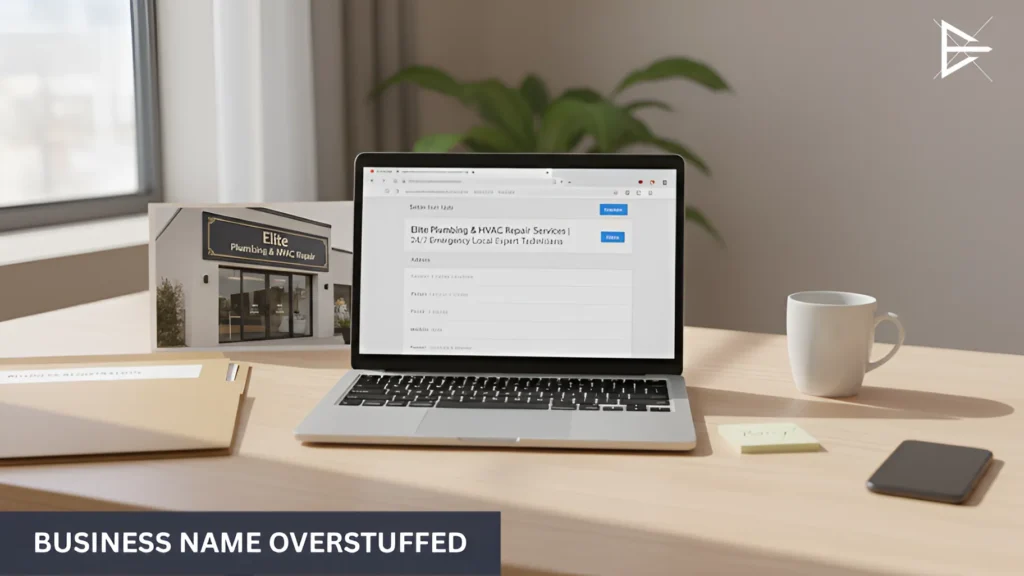
Business name overstuffed with extra keywords in a Google Business Profile editing interface.

This one is common. You search your service, see a competitor ranking, and notice their business name looks longer than it should. It includes keywords. Maybe even a city.

It can look like it’s working.

Here’s the problem:

● It can create a short boost

Adding keywords to your business name can make it look more relevant for certain searches. Sometimes rankings move. That’s why people try it.

● It goes against Google’s rules

Your Google Business Profile name is supposed to match your real business name. No added services. No extra cities. If it does not
match what’s on your signage or legal documents, it breaks policy.

● Suspensions are real

Google does not always act fast. But when they do, profiles get suspended. Recovering a suspended Google Business Profile is not simple, and it can hurt your visibility for weeks.

● There’s a better way to send relevance signals

Categories, services, posts, and your website content all help rankings. Those signals are stable. They do not risk your listing.

Mistake #7: Not Tracking or Measuring GBP Performance

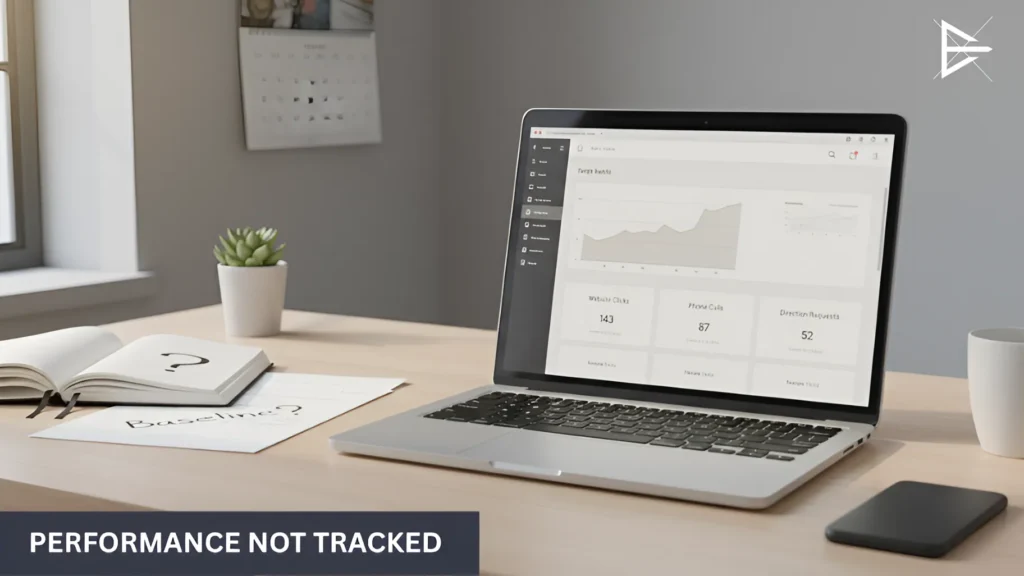
Performance not tracked, with analytics dashboard open but no clear monitoring notes nearby.

This is the quiet problem most businesses don’t notice. They update their Google Business Profile, make a few changes, maybe add posts or adjust categories, and then wait. If rankings move, they assume it worked. If they don’t, they try something else. But without tracking, it’s hard to know what actually caused the change.

Here’s where things usually fall apart:

● No tracking on the website link

The profile sends people to your website, but you can’t clearly see how much traffic is coming from it. It blends into your overall numbers. That makes it harder to know how valuable your Google Business Profile really is.

● No consistent check on calls or clicks

The dashboard shows how many people clicked, called, or asked for directions. But many businesses only look at it once in a while. Without watching trends over time, you miss patterns.

● Changes made without a clear starting point

If you don’t know your baseline numbers, any change feels like progress. Or failure. There’s no clear comparison, so decisions become reactive instead of strategic.

● Copying competitors without proof

It’s easy to see what others are doing and try to match it. More posts. More edits. More keywords. But without data, you don’t know if those moves are helping or just adding noise.

How I Can Help You Identify What’s Holding Your Rankings Back

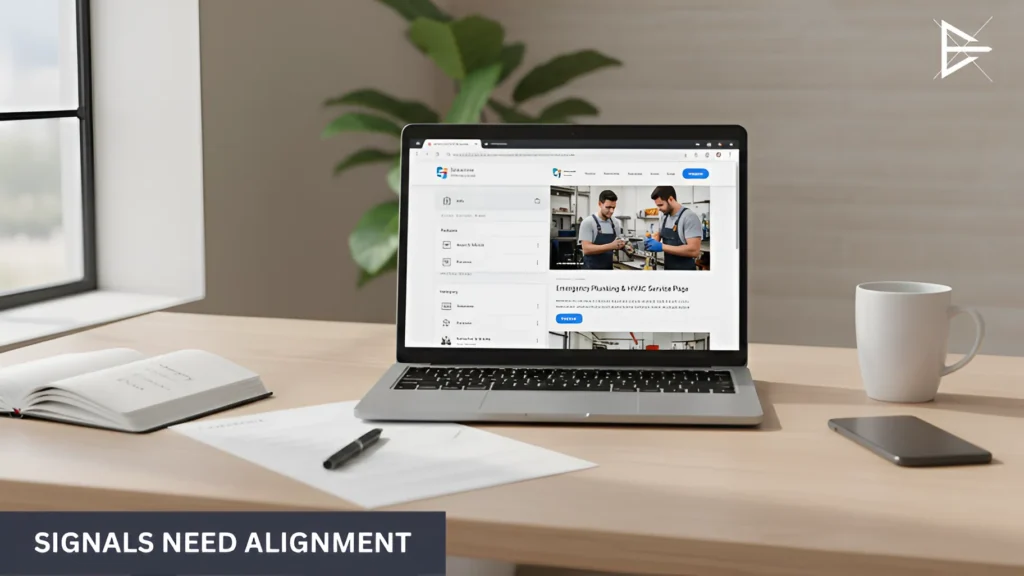
Signals need alignment between Google Business Profile information and linked website content.

If you’ve fixed a few things and your Google Business Profile still isn’t moving, that can get frustrating. Most of the time, it’s not one obvious mistake. It’s several small signals slightly out of sync.

When I review a profile, I’m not looking for something dramatic. I’m looking for where things feel off.

● Is the main service signal obvious?

Sometimes it’s technically correct, but not strong. The category says one thing, the services lean another way, and the website tells a slightly different story. That kind of mixed messaging slows things down.

● Does the website actually support the listing?

I’ve seen profiles ranking poorly simply because the linked page was too general. Not wrong. Just vague. Google needs clarity.

● Are the basic trust signals clean?

Old listings. Slight name differences. Outdated details sitting out there. None of them feel urgent. Together, they weaken authority.

● Does the profile feel active?

Not busy. Not overworked. Just alive. Profiles that look abandoned rarely perform well long term.

● Are decisions based on real data?

If rankings move up or down, can you explain why? If not, adjustments become guesswork.

Final Thoughts: Rankings Come From Alignment, Not Shortcuts

If there’s one thing that shows up again and again with Google Business Profile rankings, it’s this: there usually isn’t one dramatic mistake. It’s small misalignments. A profile saying one thing, a website suggesting another, activity slowing down without anyone noticing. None of it feels urgent. But together, it affects visibility.

Shortcuts can move rankings for a moment. Clean alignment keeps them there.

When your profile, website, and ongoing updates support the same message, growth tends to feel steadier. When they don’t, progress feels unpredictable.

Frequently Asked Questions

Why is my Google Business Profile not ranking in the Map Pack?

If your Google Business Profile is not showing in the Map Pack, there is usually a clear reason. It often comes down to the wrong primary category, inconsistent business details, weak website support, low review activity, or lack of updates.

Google compares your listing to nearby competitors based on relevance, trust, and activity. When several small issues stack up, visibility drops. Cleaning up those signals and tightening alignment often improves rankings more than making one major change.

What is the most important ranking factor for Google Business Profile?

Your primary category is one of the strongest ranking signals in your Google Business Profile. It tells Google what your business mainly does and which searches your listing should qualify for.

If that category is too broad or slightly off, competitors with clearer positioning may rank higher. Choosing the category that directly matches your main service usually strengthens visibility and improves local performance.

Can the wrong primary category hurt my rankings?

Yes, selecting the wrong primary category can directly limit your rankings. If it does not closely match your core service, your listing may not appear for relevant searches.

Even if you offer that service, Google may not see your profile as a strong match. Updating the primary category to reflect your main revenue-driving service often creates better alignment and stronger local visibility.

Does inconsistent NAP really affect local rankings?

Inconsistent name, address, and phone number details can weaken trust signals in local search. When Google sees variations across directories, it becomes harder to verify your business information confidently.

Even small differences add up. Standardizing your NAP across major listings and removing duplicates strengthens authority and supports more stable Google Business Profile rankings.

Should I link my Google Business Profile to my homepage or a service page?

In most cases, linking to a focused service page works better than sending traffic to a general homepage. A specific page creates a stronger match between the search query and your website content.

When the linked page clearly supports the service highlighted in your Google Business Profile, relevance improves. That clearer alignment helps Google understand what your business should rank for.

Do website issues affect Google Business Profile rankings?

Yes. Your website and your Google Business Profile work together. If the page you link to is weak, it can slow things down.

For example, if your profile talks about one main service but your website page is too general, the connection becomes weaker. If the page loads slowly or looks outdated, people leave. Google sees that. A clear, focused service page usually supports better rankings.

How do reviews impact Google Business Profile rankings?

Reviews help build trust. They also show that your business is active and serving real customers. A steady flow of reviews is a good sign for both Google and potential clients.

If your competitors keep getting new reviews and you don’t, that gap can affect clicks and visibility. Asking customers for honest feedback and replying to reviews keeps your profile active and competitive.

Does responding to reviews improve rankings?

Replying to reviews shows that you are paying attention. It may not cause a sudden ranking jump, but it adds to your overall engagement signals.

People read your replies before they decide to call. If they see thoughtful and calm responses, they are more likely to trust you. That trust can lead to more clicks and more activity over time.

How often should I update my Google Business Profile?

You do not need to update it every week. But leaving it untouched for months is not a good idea either.

Adding a post, uploading new photos, or updating services once in a while shows that your business is active. Small updates done regularly are usually better than big changes done once and forgotten.

Can keyword stuffing my business name improve rankings?

It may look like it works when you see competitors doing it. Adding extra keywords to your business name can sometimes create a short boost.

But it breaks Google’s rules. Profiles can get suspended for this. It is safer to improve your categories, services, and website alignment instead of relying on tricks that may hurt your Google Business Profile later.

What happens if my Google Business Profile gets suspended?

If your Google Business Profile gets suspended, it can disappear from search results. That means fewer calls, fewer clicks, and fewer leads until the issue is fixed.

Restoring a suspended profile can take time. You may need to submit documents and wait for review. It is much easier to follow Google’s guidelines from the start than to recover after a suspension.

Do secondary categories matter?

Yes, secondary categories help Google understand the other services you offer. They give your profile more context and can help you appear in additional searches.

However, they do not carry the same weight as your primary category. If the main category is weak or incorrect, adding more secondary categories will not fully fix the problem.

Does Google Business Profile activity affect rankings?

Activity does play a role. When you add posts, photos, or updates, it shows that your business is active and still operating.

An inactive profile can slowly lose ground to competitors who stay consistent. You do not need constant updates, but regular activity helps keep your listing relevant.

Why is my competitor ranking higher than me?

There is usually a reason. Your competitor may have a clearer primary category, stronger reviews, better website support, or more consistent business details.

Google compares listings side by side. Even small differences in clarity, engagement, or alignment can shift rankings. Improving those areas often narrows the gap.

Can fixing small issues really improve visibility?

Yes. In many cases, rankings improve when several small problems are corrected at the same time. It is rarely one big mistake.

When your categories, website, activity, and business details all support each other, your Google Business Profile becomes stronger overall. Small adjustments can create noticeable shifts in visibility.

How long does it take to see ranking improvements?

The timeline depends on your market and how competitive it is. If your Google Business Profile had a clear issue, such as the wrong category or inconsistent details, you may see movement within a few weeks after fixing it.

In more competitive areas, it can take longer. Google needs time to process updates and compare your listing against others nearby. Steady improvements over time usually create more stable rankings than expecting fast results.

Do Google Posts help with rankings?

Google Posts are not the strongest direct ranking factor, but they still play a role. They show that your Google Business Profile is active and that your business is paying attention to updates.

Posts also give users more information about your services and offers. When people engage with your listing, that activity supports overall visibility. Even small updates done regularly help keep your profile from looking inactive.

Should I track traffic from my Google Business Profile?

Yes, tracking traffic helps you understand how much value your Google Business Profile is bringing in. Without tracking, it is difficult to know how many visitors or leads come directly from your listing.

By using simple tracking methods, you can see patterns in clicks and calls. This makes it easier to understand what changes are helping and which ones are not making a difference.

Why do my rankings fluctuate?

It is normal for local rankings to move up and down. Changes in competition, user location, search behavior, and profile updates can all cause shifts in visibility.

Instead of watching rankings daily, it is better to look at trends over several weeks. Small changes are common, but consistent alignment and activity usually reduce large drops over time.

What is the safest way to improve Google Business Profile rankings?

The safest way to improve rankings is to focus on clear alignment. Make sure your primary category matches your main service, your business details are consistent everywhere, and your website supports what your profile says.

Avoid shortcuts that break Google’s rules. Clean, steady improvements may take time, but they create stronger and more reliable visibility in the long run.

About the Author

Harvie Ken Colonia

Hi, I’m Harvie!

I got into SEO in 2019, mostly because I was curious why some businesses showed up everywhere and others didn’t. The more I worked with Google Business Profiles, the more I saw the same pattern. It wasn’t usually one big mistake. It was small things stacking up.

Wrong category. Weak service page. Inactive profile. Mixed details online. None of them looked dramatic on their own. But together, they held rankings back.

That’s what I focus on now. Not tricks. Not shortcuts. Just cleaning up what’s already there and making sure your Google Business Profile, website, and signals actually support each other.

If your visibility feels stuck, it’s usually fixable. It just needs a clear look from the outside.