
How Good Design Helps Customers Trust Your Business
Services Search Engine Optimization (SEO) Google Business Profile Optimization Graphics…
How Good Design Helps Customers Trust Your Business Read More »

Services Search Engine Optimization (SEO) Google Business Profile Optimization Graphics…
How Good Design Helps Customers Trust Your Business Read More »

Services Search Engine Optimization (SEO) Google Business Profile Optimization Graphics…
How to Know If Your Logo or Branding Needs an Update Read More »

Services Search Engine Optimization (SEO) Google Business Profile Optimization Graphics…
A Simple Website Audit Checklist for Business Owners Read More »

Services Search Engine Optimization (SEO) Google Business Profile Optimization Graphics…
How Business Owners Can Tell If SEO Is Really Working Read More »
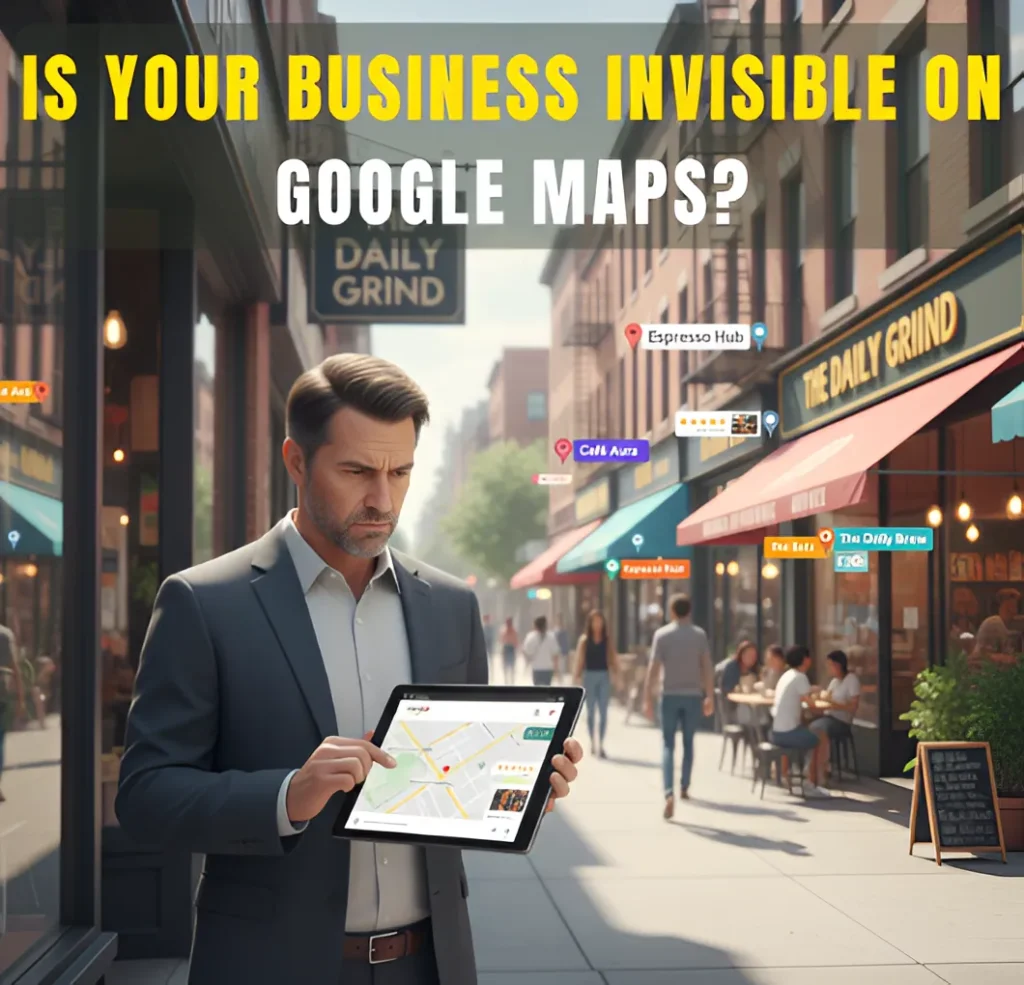
Services Search Engine Optimization (SEO) Google Business Profile Optimization Graphics Design Social Media Marketing My Process FAQs Articles About Contact Services Search Engine Optimization (SEO) Google Business Profile Optimization Graphics Design Social Media Marketing My Process FAQs Articles About Contact Wanna Chat? Why Your Business Isn’t Ranking on Google Maps Why Your Business Is Not Showing on Google Maps When Competitors Are Understand why your competitors are ranking higher and get actionable steps to improve your Google Maps visibility. Why Competitors Appear on Google Maps Before You You search for your business on Google Maps and see competitors instead. That is frustrating, especially when your profile looks fine.This happens because Google Maps does not rank businesses on its own. It compares your business to others nearby every time someone searches. If another business looks like a better match for that search and location, Google shows them first. Nothing may be wrong with your listing. The problem is often that a competitor is stronger for that search at that moment. Once you understand this, the issue makes more sense. It also becomes easier to see what needs to change. What You’ll Learn in This Guide Google Maps Is a Competitive Ranking, Not a Checklist Google Maps Is a Competitive Ranking, Not a Checklist Competitors May Be More Relevant for That Specific Search Competitors May Be More Relevant for That Specific Search Proximity Can Favor Competitors Even If Your SEO Is Solid Proximity Can Favor Competitors Even If Your SEO Is Solid Competitors Have Built More Local Trust Over Time Competitors Have Built More Local Trust Over Time Google May Be Filtering Your Listing in Competitive Areas Google May Be Filtering Your Listing in Competitive Areas Shared Locations or Similar Business Names Can Push You Out Shared Locations or Similar Business Names Can Push You Out Why Fixing Everything Still Does Not Guarantee Visibility Why Fixing Everything Still Does Not Guarantee Visibility How I Can Help Your Business Show Up on Google Maps How I Can Help Your Business Show Up on Google Maps Final Takeaway – Google Maps Visibility Is Relative Final Takeaway – Google Maps Visibility Is Relative Frequently Asked Questions Frequently Asked Questions About the Author About the Author Google Maps Is a Competitive Ranking, Not a Checklist A lot of people think Google Maps works like a checklist. Fill everything out, do the basics, and your business should show up. That would be nice, but that’s not how it actually works. Having a complete Google Business Profile just puts you in the race. It does not mean Google will pick you. When someone searches on Google Maps, your business is stacked next to others in the same area. Google looks at all of them and decides which ones to show first. Some businesses win that comparison. Others get pushed down or filtered out. Here’s what usually gives competitors the edge: ● They line up better with what the person searched Even if you offer the same service, Google may see a competitor as a clearer match for that search. Small differences in focus can change who shows up. ● They are closer to the searcher Distance matters more than most people realize. A business that is a few blocks closer often appears before one that is farther away, even if the farther business is well set up. ● They have been around longer Businesses with more history tend to be trusted more. Over time, Google sees patterns in activity and engagement, and that can give older competitors an advantage. ● People interact with their listing more If users click, call, or ask for directions on a competitor’s profile more often, Google notices. Steady activity tells Google that people prefer that business. ● Google has to choose someone In busy areas, Google cannot show everyone. When several businesses look similar, Google picks the ones it thinks are strongest and leaves the rest out. This is why your profile can look fine and still not show. It is not always about fixing something that is broken. It is often about understanding why another business looks like the better option to Google. Competitors May Be More Relevant for That Specific Search You and your competitors might offer the same service, but Google does not always see you the same way. When someone searches on Google Maps, Google tries to figure out what that person actually wants, not just which businesses exist. If a competitor fits that search better, they will show up first. This usually comes down to small but important differences. ● They use the same words customers use People search in simple, real-world terms. A competitor may describe their business in a way that matches those words more closely, while your listing uses different language. ● Their main service is easier to understand If Google can quickly tell what a competitor is known for, it is easier for Google to match them to a search. When a business tries to cover too much, the message can get blurry. ● They match what the search is really about Some searches are about speed. Others are about location. Some are about a specific type of service. Competitors may line up better with what the person is trying to do right then. ● Small details can tip the scale Two businesses can look almost the same, but one small difference can make one feel like a better fit to Google. That is often all it takes. Once you look at it this way, it becomes easier to see why competitors show up and what needs to change. Proximity Can Favor Competitors Even If Your SEO Is Solid A lot of times, competitors show up before you on Google Maps for one simple reason. They are closer. That’s it. Not because your profile is bad. Not because you missed something big. Just because they are nearer to the person searching. This catches people off guard, so here’s what that actually
Why Your Business Is Not Showing on Google Maps When Competitors Are Read More »
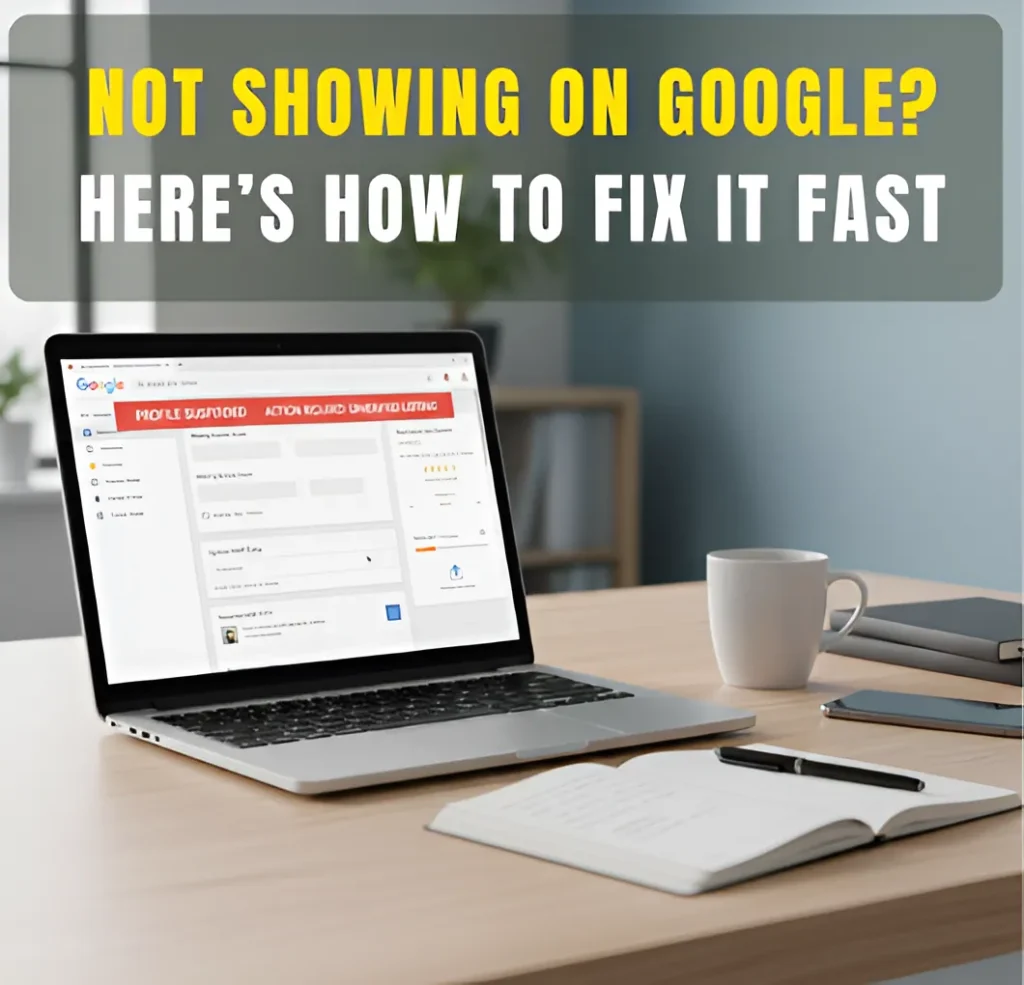
Services Search Engine Optimization (SEO) Google Business Profile Optimization Graphics Design Social Media Marketing My Process FAQs Articles About Contact Services Search Engine Optimization (SEO) Google Business Profile Optimization Graphics Design Social Media Marketing My Process FAQs Articles About Contact Wanna Chat? Why Your Profile Isn’t Showing Up on Google Why Your Google Business Profile Isn’t Working and How to Fix It Fast Learn simple steps to improve your Google Business Profile and boost local visibility, helping you attract more calls and customers. Why Your Google Business Profile Isn’t Working If your Google Business Profile isn’t showing up or bringing in customers, it’s usually because something in your listing is wrong or incomplete. This can be outdated business info, the wrong category, missing photos, a duplicate listing, or a problem with verification. When these things happen, Google doesn’t know if your business is reliable, so it shows your profile less often. Most owners don’t notice this right away; they just see fewer calls or fewer views and wonder what happened. The good thing is that these issues are common and easy to fix. Once you correct the details and clean up the problem, your visibility can improve quickly. This guide explains what to look for and how to get your profile working again. What You’ll Learn in This Guide The Hidden Signs Your Profile Is Underperforming The Hidden Signs Your Profile Is Underperforming Incorrect or Inconsistent Business Information Incorrect or Inconsistent Business Information Wrong Categories or Missing Services Wrong Categories or Missing Services Missing, Low-Quality, or Rejected Photos Missing, Low-Quality, or Rejected Photos Verification Problems, Suspensions, and Duplicate Listings Verification Problems, Suspensions, and Duplicate Listings Reviews Not Showing or Syncing Properly Reviews Not Showing or Syncing Properly How to Fix Google Business Profile Issues Fast (Step-by-Step) How to Fix Google Business Profile Issues Fast (Step-by-Step) A Note from Someone Who Fixes These Issues Every Day A Note from Someone Who Fixes These Issues Every Day Final Thoughts: Keeping Your Profile Healthy Long-Term Final Thoughts: Keeping Your Profile Healthy Long-Term Frequently Asked Questions Frequently Asked Questions About the Author About the Author The Hidden Signs Your Profile Is Underperforming Sometimes, it’s hard to tell when your Google Business Profile isn’t working as well as it should. The issues might be small at first, but they can really add up over time. Here’s what to watch for: ● Fewer calls or direction requests: If people aren’t calling or asking how to get to your business as much as they used to, it might be a sign your profile isn’t showing up as often in searches. That’s a problem, especially if you’ve noticed a drop in foot traffic or inquiries. ● Less profile traffic: If your profile used to get a lot of views and now it’s not as busy, it could be a sign that something’s off. Fewer views mean fewer chances for people to learn about you and choose your business over competitors. ● Missing reviews or slow updates: Noticing reviews that don’t show up or updates that seem to take longer than usual? This could point to an issue with your profile. Google needs to see that your profile is active and up-to-date to rank it higher. If you’ve noticed any of these things, it’s time to take action. They’re early signs that your profile might need some attention. Incorrect or Inconsistent Business Information If your Google Business Profile isn’t showing up like it should, the problem might be that your business information is wrong or doesn’t match across different places. Google needs to trust that the info is correct, and if there are mistakes, it might hide your profile from searches. Here’s what to check: ● NAP mismatches across platforms: NAP stands for Name, Address, Phone number. If this info isn’t the same everywhere, on social media, your website, and other online listings, Google can get confused and won’t show your profile as often. ● Outdated hours or incomplete listings: If your business hours are wrong or missing, or if your profile doesn’t have all the right details (like your website or a good business description), Google won’t rank your profile as high. ● Confuses Google’s trust signals: Google wants to trust your business. If the information is off, it doesn’t know what to believe, which can lower your ranking. ● Leads to suppressed visibility: When your info isn’t right, Google might stop showing your profile as often, even when people are searching for businesses like yours. The fix? Make sure your business name, address, and phone number are the same everywhere. Check your hours and details too. It’s a quick fix that can help you show up more often in searches. Wrong Categories or Missing Servicese Rankings Anymore If your Google Business Profile isn’t showing up as much as it should, it could be because you’ve chosen the wrong category or missed listing some of your services. These are easy fixes, and they can make a big difference in how often your business shows up in search results. Here’s what to look out for: ● Wrong category = wrong audience: Picking the wrong category for your business can cause you to miss out on the right customers. For example, if you’re a plumber but you select “electrician” as your category, Google will show your profile to people looking for electricians, not plumbers. Make sure you choose the category that best fits what you offer. ● Missing services = fewer chances to show up: If you don’t list all the services you provide, Google won’t know to show your profile for those specific searches. The more services you list, the better the chance people searching for those things will find you. ● Easy fix with big results: The good news is, fixing this is simple. Just make sure your primary category matches what you do, and be sure to add every service you offer. It’s a small change that can help you get noticed more. Missing,
Why Your Google Business Profile Isn’t Working and How to Fix It Fast Read More »
Services Search Engine Optimization (SEO) Google Business Profile Optimization Graphics Design Social Media Marketing My Process FAQs Articles About Contact Services Search Engine Optimization (SEO) Google Business Profile Optimization Graphics Design Social Media Marketing My Process FAQs Articles About Contact Wanna Chat? Inside The First 90 Days Of Your SEO Journey The First 90 Days of SEO: What Businesses Don’t See Behind the Scenes See what is actually being fixed and built before your business starts moving up on Google. Quick Answer: What Happens in the First 90 Days of SEO The first 90 days of SEO are mostly about fixing what’s holding your website back. A lot of this work isn’t obvious on the outside because it happens in the background, cleaning up pages, fixing small errors, improving content, and helping Google understand your site better. During this time, Google is checking your updates, learning what your site is really about, and watching for signs that things are getting better. You might not see big results yet, but this is the stage that sets everything up. Once the foundation is steady, your site can finally start moving up in search over the next few months. What You’ll Learn in This Guide Why the First 90 Days Feel Slow (But Are the Most Important Phase) Why the First 90 Days Feel Slow (But Are the Most Important Phase) Days 1–30: Fixing the Foundation Google Judges First Days 1–30: Fixing the Foundation Google Judges First Days 31–60: Creating the Signals Google Needs to Trust You Days 31–60: Creating the Signals Google Needs to Trust You Days 61–90: Showing Google You Deserve to Rank Days 61–90: Showing Google You Deserve to Rank What You Should Realistically See by Day 90 What You Should Realistically See by Day 90 What Most Businesses Don’t Realize About the First 90 Days What Most Businesses Don’t Realize About the First 90 Days When Real SEO Growth Begins (After Month 3) When Real SEO Growth Begins (After Month 3) How to Know If Your SEO Is Actually Working How to Know If Your SEO Is Actually Working Why the First 90 Days Work Better With an Experienced SEO Partner Why the First 90 Days Work Better With an Experienced SEO Partner Final Takeaway Final Takeaway FAQs: The First 90 Days of SEO FAQs: The First 90 Days of SEO About the Author About the Author Why the First 90 Days Feel Slow (But Are the Most Important Phase) The early part of SEO can feel slow because you don’t see big jumps yet, even though important work is already happening behind the scenes. Growth needs a clean start, and that takes time. Here’s why this phase moves at a slower pace: ● Most of the work is cleanup. Old pages, broken links, missing tags, and other small issues add up over time. These need to be fixed so Google doesn’t get confused about your site. Cleaning these up helps Google understand who you are and what you offer. ● Google needs time to look again. When changes are made, Google won’t update the rankings right away. It has to crawl your pages again, compare the new version with the old one, and check if your updates make things clearer or more helpful. ● Hidden problems slow things down. Many sites have issues people don’t notice, slow loading, thin content, bad structure, or outdated pages. These things quietly hold rankings back, so they have to be repaired before the site can move forward. ● This stage builds the base for results. Think of this as laying down the foundation of a house. Once the base is strong, everything built on top of it will last longer and grow faster. Without a solid start, results take much longer to appear. The first 90 days may not feel fast, but this is the work that sets your site up for real improvement once Google starts trusting the updates. Days 1–30: Fixing the Foundation Google Judges First The first month is all about getting your website into good shape. Nothing big shows on the outside yet, but this is where the important fixes happen, the ones that help Google understand your site and trust it. Here’s what usually gets done in this stage: ● A full check of your whole site. Every page is reviewed to spot problems like slow loading, broken links, or pages that are hard for Google to read. This gives a clear picture of what needs attention first. ● Matching the right keywords to the right pages. This step makes sure your pages line up with what people are actually searching for. It helps Google know which page to show for which search. ● Fixing indexing and crawl issues. If Google can’t find a page, it can’t rank it. So we fix anything that blocks Google from seeing your content, wrong settings, hidden pages, or confusing links. ● Improving important on-page elements. Titles, headings, and content are cleaned up so each page is clearer and easier to understand. These small changes help both search engines and visitors. ● Spotting quick wins. Sometimes small tweaks can bring early movement. We look for pages that already have potential and give them a boost to create early progress. Month one doesn’t show dramatic results yet, but it prepares your site for the improvements that come later. Once these basics are handled, Google can finally start responding to the work in the next stages. Days 31–60: Creating the Signals Google Needs to Trust You In this stage, the groundwork is already done. Now the goal is to show Google that your site is active and useful. This is when your site slowly starts to gain traction. ● New and improved content goes live. Pages are updated or added so Google can see fresh, clear information on your site. ● Your pages are linked together better. Simple links between your own pages help Google and visitors move around more
The First 90 Days of SEO: What Businesses Don’t See Behind the Scenes Read More »
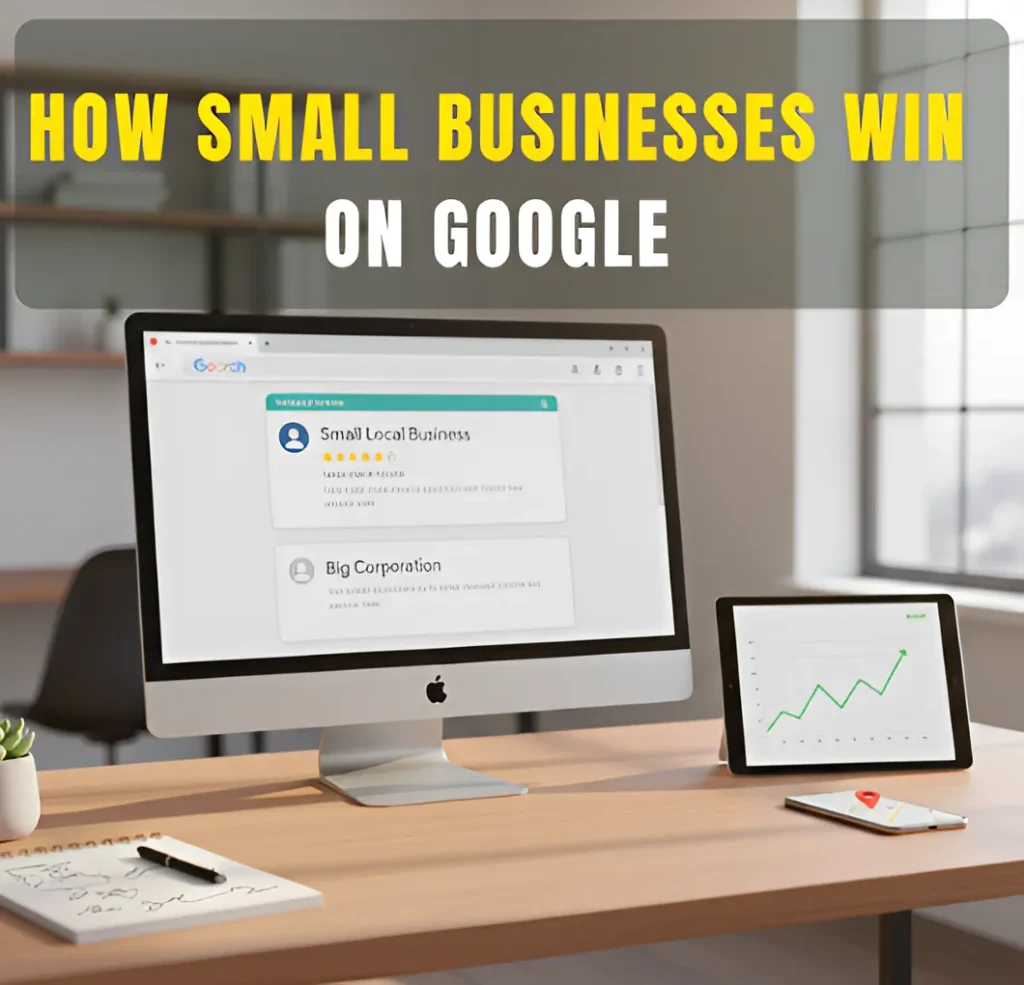
Services Search Engine Optimization (SEO) Google Business Profile Optimization Graphics Design Social Media Marketing My Process FAQs Articles About Contact Services Search Engine Optimization (SEO) Google Business Profile Optimization Graphics Design Social Media Marketing My Process FAQs Articles About Contact Wanna Chat? Why Small Businesses Can Still Compete Online Low-Budget SEO: How Small Businesses Can Still Win on Google See how simple SEO steps can help your business show up more on Google. How Small Businesses Can Compete on Google Without a Big Budget You don’t need a big budget to show up on Google. What matters most is being clear, helpful, and easy for people to find. Google rewards businesses that give useful answers, have accurate local info, and make it simple for customers to understand what they do. Small businesses can even outrank bigger companies because local searches rely on trust, relevance, and location, not money. When your website and Google Business Profile share the right details, you have a real chance to appear at the top. In short, Google cares about what helps the searcher. That’s why small businesses can win without spending a lot. What You’ll Learn in This Guide Why Budget Doesn’t Decide Rankings Anymore Why Budget Doesn’t Decide Rankings Anymore Focus on Your Google Business Profile for Maximum Local Visibility Focus on Your Google Business Profile for Maximum Local Visibility Target Keywords You Can Actually Rank For Target Keywords You Can Actually Rank For Create Helpful Content That Answers Real Customer Questions Create Helpful Content That Answers Real Customer Questions Strengthen Your Core Pages with Simple On-Page SEO Fixes Strengthen Your Core Pages with Simple On-Page SEO Fixes Build Local Trust Through Reviews and Local Listings Build Local Trust Through Reviews and Local Listings Earn Simple Backlinks Without a Big SEO Campaign Earn Simple Backlinks Without a Big SEO Campaign How I Can Help Your Business Grow on a Budget How I Can Help Your Business Grow on a Budget Small Budgets Can Still Lead to Big Wins on Google Small Budgets Can Still Lead to Big Wins on Google Low-Budget SEO FAQs for Small Businesses Low-Budget SEO FAQs for Small Businesses About the Author About the Author Why Budget Doesn’t Decide Rankings Anymore Google isn’t looking for the business with the most money. It’s looking for the result that helps the searcher the most. This is why small businesses can still show up well in search, even when bigger companies are spending more on marketing. Here’s why you can compete: ● Google prefers clear and helpful content. If your pages explain things in a simple way, that’s already a strong advantage. ● Local results give small businesses a boost. When someone searches nearby, Google often shows the closest and most relevant choice not the biggest brand. ● Accurate business info builds trust. Clear details, clean photos, and good reviews help Google understand your business better. ● Recent updates reward useful pages. Google now pays more attention to pages that answer real questions and feel easy to read. ● Showing effort matters more than budget. Small improvements done regularly can help you grow faster than companies that rely only on paid ads. These changes make it possible for smaller businesses to stand out simply by being clear, helpful, and consistent. Focus on Your Google Business Profile for Maximum Local Visibility Your Google Business Profile is one of the easiest ways for people to find your business online. It’s free, and small updates can help you show up more often in local searches. Here’s why it helps: ● It brings good results for local businesses. A clear profile can lead to more calls and visits without extra cost. ● It helps you appear in the map area. Many people click the map results first, so this spot can bring steady traffic. ● Reviews build trust quickly. When people see real comments from customers, they feel more comfortable choosing you. ● Simple updates keep your profile active. New photos, correct hours, and short posts help Google know your business is real and open. ● Clear information helps customers decide faster. When your services and contact details are easy to understand, people can reach you without confusion. Keeping your Google Business Profile updated is an easy win, even if you’re working with a small budget. Target Keywords You Can Actually Rank For Picking the right keywords helps you show up in searches faster. You don’t need the biggest or most popular keywords. You just need the ones that fit your business and your local area. Here’s what works best: ● Use longer and more specific phrases. These are searches like “emergency plumber in Clive” or “best pizza in Ankeny.” They’re easier to rank for and bring in people who are ready to take action. ● Go for keywords with less competition. When fewer businesses try to rank for a phrase, you have a better chance of showing up sooner. ● Choose keywords that show real intent. Instead of chasing high search numbers, focus on what buyers want. For example, “roof repair near me” is stronger than “roofing ideas.” ● Match your keywords to your actual service. Clear, direct phrases help Google understand exactly when to show your business. Simple keyword choices can lead to faster results, even if you’re just starting or working with a small budget. Create Helpful Content That Answers Real Customer Questions You don’t need a lot of content to show up on Google. What helps most is answering the questions people ask you every day. Simple posts with clear answers can bring in the right visitors. Here’s what to focus on: ● Answer common questions. Things like how something works, what it costs, or what people should expect. ● Use short, FAQ-style topics. These are easy for people to read and easy for Google to match with real searches. ● Keep your words simple. A short, clear answer is often more helpful than a long article. ● Share real problems
Low-Budget SEO: How Small Businesses Can Still Win on Google Read More »
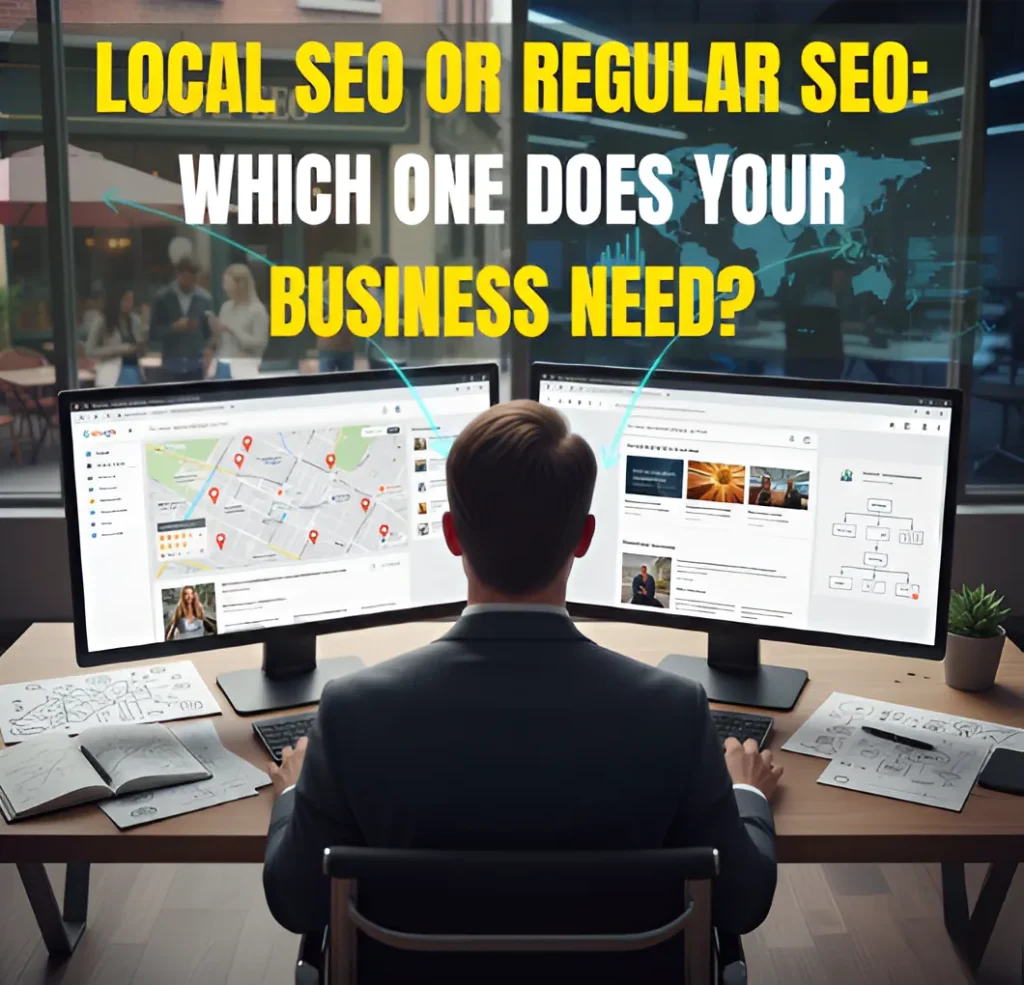
Services Search Engine Optimization (SEO) Google Business Profile Optimization Graphics Design Social Media Marketing My Process FAQs Articles About Contact Services Search Engine Optimization (SEO) Google Business Profile Optimization Graphics Design Social Media Marketing My Process FAQs Articles About Contact Wanna Chat? Why This Matters for Your Business Local SEO vs SEO: How to Know Which One Your Business Really Needs See how Local SEO and Regular SEO impact your visibility and which one helps you grow faster. Quick Answer: How to Know Which SEO You Need Start by thinking about where your customers actually come from. If most of them live in your city or nearby, then Local SEO is the one that helps you show up in Google Maps and local searches. But if your business reaches people outside your area or anywhere online Regular SEO usually makes more sense because it focuses on broader searches. Some businesses end up needing a mix of both, especially if they serve a local community but also want to grow beyond it. What You’ll Learn in This Guide What Regular SEO Is (and How It Works) What Regular SEO Is (and How It Works) What Local SEO Is (and Why It Matters for Local Visibility) What Local SEO Is (and Why It Matters for Local Visibility) Local SEO vs Regular SEO: The Key Differences Local SEO vs Regular SEO: The Key Differences How to Know Which SEO You Actually Need How to Know Which SEO You Actually Need When You Need BOTH Local SEO and Regular SEO When You Need BOTH Local SEO and Regular SEO Common Mistakes People Make When Choosing SEO Common Mistakes People Make When Choosing SEO How I Can Help with Your SEO Needs How I Can Help with Your SEO Needs The Fastest Way to Choose the Right Approach The Fastest Way to Choose the Right Approach Local SEO vs SEO: Frequently Asked Questions Local SEO vs SEO: Frequently Asked Questions About the Author About the Author What Regular SEO Is (and How It Works) Regular SEO focuses on helping your website show up in searches that aren’t tied to any specific city or location. Think of it as the work that helps people find you when they’re looking for a product, service, or answer, no matter where they are. It usually involves improving three main areas of your site: ● The quality and usefulness of your content● The trust signals pointing to your site, like backlinks● The technical setup that helps Google understand your pages When these pieces are in good shape, your pages have a better chance of ranking for broad, topic-based keywords rather than local searches. Regular SEO works especially well for businesses that reach customers online, sell beyond their hometown, or want to build authority in their industry rather than just their city. What Local SEO Is (and Why It Matters for Local Visibility) Local SEO is the type of SEO that helps people in your area find your business. When someone nearby searches for a service and wants a local option, this is what helps you show up, especially in Google’s map results. It focuses on a few practical things that tell Google, “Yes, this business serves this location,” such as: ● Updating and maintaining your Google Business Profile● Keeping your business name, address, and phone number consistent across the web● Getting reviews from real customers● Using keywords that mention your city or the areas you serve Local SEO usually matters most for businesses that rely on customers who live or work close by, like: ● Home service companies● Medical or dental practices● Restaurants and retail locations● Real estate professionals● Any business that serves a specific city or service area If most of your customers come from your local community, Local SEO is what helps them find you when they’re ready to reach out. Local SEO vs Regular SEO: The Key Differences Local SEO and Regular SEO do very different jobs, even though both fall under the same “search optimization” umbrella. Here’s a simple way to look at how they differ without overcomplicating things. 1. Ranking Goals ● Local SEO is built to help you show up in Google’s map results and local listings. ● Regular SEO focuses on helping your website show up in the main search results for broader topics. 2. Keyword Strategy ● Local SEO works with location-based searches, like “dentist in Ankeny.” ● Regular SEO focuses on general keywords that don’t mention a place, like “how to prevent tooth pain.” 3. Audience Targeting ● Local SEO reaches people who are close enough to visit you or book a service. ● Regular SEO reaches people from anywhere who are searching for information, products, or services. 4. What Helps You Rank ● Local SEO pays attention to things like reviews, local listings, your Google Business Profile, and how close you are to the searcher. ● Regular SEO leans more on strong content, links from other websites, and whether your site is technically easy for Google to crawl. 5. Tools & Signals Used ● Local SEO relies heavily on Google Business Profile, local citations, and location signals. ● Regular SEO depends more on your website content, backlinks, and technical improvements. How to Know Which SEO You Actually Need The easiest way to choose between Local SEO and Regular SEO is to look at how your business works. Here are a few simple questions that can guide you: Think about your customers: ● Do your customers come from your city or nearby areas?If yes, you’ll need Local SEO. ● Do you only serve certain towns or neighborhoods?Then Local SEO is the right fit. ● Do people need to visit your place or book a service in person?Local SEO will help them find you faster. Now think about your reach: ● Can anyone buy from you, no matter where they live?That points to Regular SEO. ● Are your main competitors ranking in many places, not just one city?You’ll likely
Local SEO vs SEO: How to Know Which One Your Business Really Needs Read More »
Services Search Engine Optimization (SEO) Google Business Profile Optimization Graphics Design Social Media Marketing My Process FAQs Articles About Contact Services Search Engine Optimization (SEO) Google Business Profile Optimization Graphics Design Social Media Marketing My Process FAQs Articles About Contact Wanna Chat? SEO Warning Signs Does My Website Need SEO? 10 Clear Signs You Shouldn’t Ignore See why your site isn’t showing up on Google and how SEO can turn that around. Quick Answer: How to Tell If Your Website Needs SEO You can tell your website needs SEO when people can’t find you online. If you’re not showing up for the searches that matter, or you’re not getting steady visits or messages, SEO is usually the reason. Most business owners notice this when things start to slow down. Maybe fewer people are clicking on the site. Maybe inquiries have dropped. Or maybe the website just doesn’t feel as strong as it used to. Here’s the quick test: If your website isn’t helping people discover your business, learn about what you offer, or reach out to you, it’s time to work on your SEO. What You’ll Learn in This Guide Your Website Might Not Be Indexed Yet Your Website Might Not Be Indexed Yet Your SEO Basics Are Not in Place Your SEO Basics Are Not in Place Your Google Business Profile Isn’t Optimized Your Google Business Profile Isn’t Optimized You Don’t Have Enough Backlinks or Online Authority You Don’t Have Enough Backlinks or Online Authority Competitors Are Doing More Than You Competitors Are Doing More Than You Technical Issues Are Holding You Back Technical Issues Are Holding You Back Your Content Doesn’t Match Search Intent Your Content Doesn’t Match Search Intent How I Can Help Fix These Problems How I Can Help Fix These Problems Here’s the Bottom Line Here’s the Bottom Line FAQs: Why Your Business Isn’t Showing Up on Google FAQs: Why Your Business Isn’t Showing Up on Google About the Author About the Author You Don’t Appear for the Keywords Your Customers Search Another clear sign your website needs SEO is when you’re not showing up for the words people normally use to look for your service. If someone searches for what you offer and your site doesn’t appear, it usually means Google isn’t fully sure what your pages are about. This often happens when: ● The words on your site don’t match how people search. Maybe customers use simple terms, but your site uses very different ones. When the wording doesn’t line up, Google won’t connect your page to the search. ● Your titles and descriptions aren’t clear enough. If Google can’t tell what a page is about from the title or description, it may choose a competitor’s page instead. ● Your content is too general. If your pages try to cover everything at once, the main message gets lost. Google prefers pages that clearly focus on one topic. ● Competitors explain the same thing in a clearer way. If another website makes it easier for Google to understand the topic, their page will show up first, even if your service is better. When your pages don’t match real search behavior, your website becomes harder to find. This is something many business owners notice early on, and it’s a strong sign that SEO work is needed. Competitors Are Getting More Visits and Engagement Than You A clear sign your website needs SEO is when your competitors get more clicks and attention online. If they show up above you on Google, people will see them first and contact them before you. This often happens when: ● They update their site more often. Google notices when a website stays active. Competitors who make small updates, add new pages, or refresh their content usually get a boost because their site looks fresh and current. ● Their pages explain things in a simple, direct way. When a page is easy to read and clearly says what the business offers, Google sees it as helpful. If your competitors use clearer wording, their pages may rank higher even if your services are better. ● They make small improvements that add up over time. Things like clearer headings, better images, or cleaner layouts help Google understand a page faster. Competitors who do these small fixes regularly often slowly move ahead in search results. ● They stay more active online than you. When a business posts updates, new content, or fresh information consistently, Google trusts its website more. Even simple, steady activity can help them outrank sites that rarely change. When competitors appear higher on Google, they naturally get the visitors and leads you could be getting. If you notice them getting more attention while your traffic stays quiet, your website likely needs SEO support. Your Website Isn’t Bringing Consistent Organic Traffic A common sign your website needs SEO is when your traffic goes up and down for no clear reason. Some days you get visits, other days it’s completely quiet. When this happens, it often means Google isn’t sure how to place your site in search. This can happen when: ● Your content hasn’t been refreshed in a long time.Old pages slowly lose their strength, and Google may stop showing them as often. ● Some pages no longer match what people want to read.When visitors leave quickly, Google notices and may push the page lower. ● Your pages aren’t set up in a way Google understands easily.If your titles or wording don’t match what people search for, your traffic becomes unpredictable. ● You don’t have a steady plan to improve your site.Websites that stay the same for too long usually lose visibility over time. With the right SEO work, your traffic becomes more stable and steady. People can find you more often, and your website starts helping your business the way it should. Your Website Looks Outdated or Isn’t Aligned With Modern SEO Standards A website can work, but still look old. When that happens, people notice it right
Does My Website Need SEO? Clear Signs You Shouldn’t Ignore Read More »