Why Your Profile Isn’t Showing Up on Google

Why Your Google Business Profile Isn’t Working and How to Fix It Fast

Learn simple steps to improve your Google Business Profile and boost local visibility, helping you attract more calls and customers.


Why Your Google Business Profile Isn’t Working

If your Google Business Profile isn’t showing up or bringing in customers, it’s usually because something in your listing is wrong or incomplete. This can be outdated business info, the wrong category, missing photos, a duplicate listing, or a problem with verification.

When these things happen, Google doesn’t know if your business is reliable, so it shows your profile less often. Most owners don’t notice this right away; they just see fewer calls or fewer views and wonder what happened.

What You’ll Learn in This Guide

The Hidden Signs Your Profile Is Underperforming

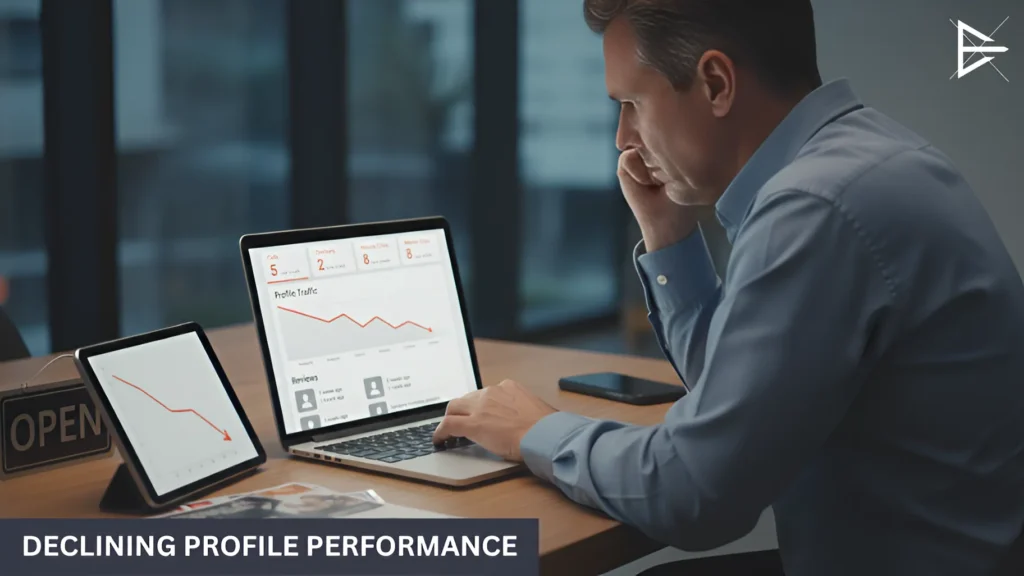
Business owner reviewing declining Google Business Profile performance metrics on a laptop and tablet.

Sometimes, it’s hard to tell when your Google Business Profile isn’t working as well as it should. The issues might be small at first, but they can really add up over time.

Here’s what to watch for:

Fewer calls or direction requests: If people aren’t calling or asking how to get to your business as much as they used to, it might be a sign your profile isn’t showing up as often in searches. That’s a problem, especially if you’ve noticed a drop in foot traffic or inquiries.

● Less profile traffic: If your profile used to get a lot of views and now it’s not as busy, it could be a sign that something’s off. Fewer views mean fewer chances for people to learn about you and choose your business over competitors.

● Missing reviews or slow updates: Noticing reviews that don’t show up or updates that seem to take longer than usual? This could point to an issue with your profile. Google needs to see that your profile is active and up-to-date to rank it higher.

Incorrect or Inconsistent Business Information

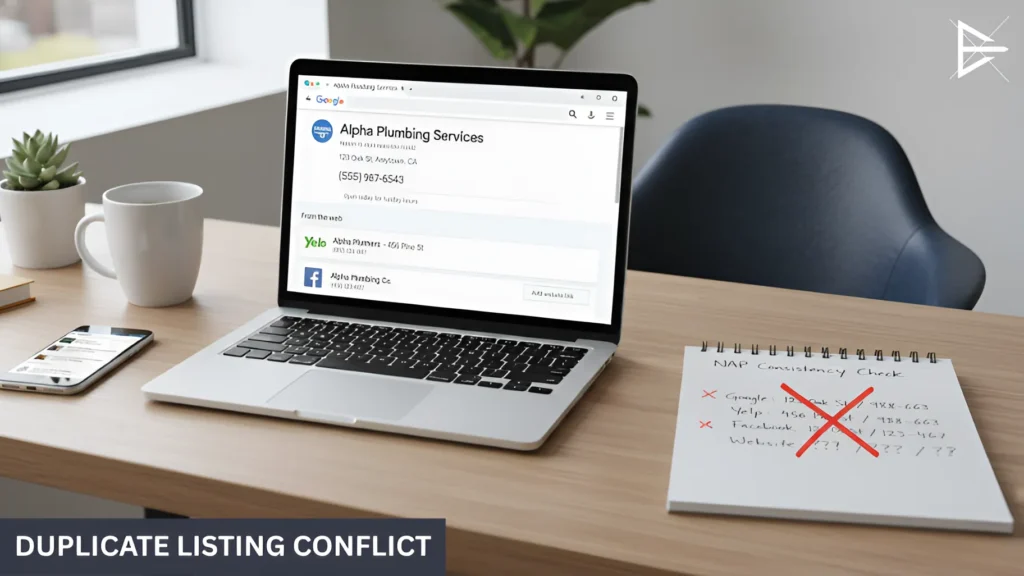
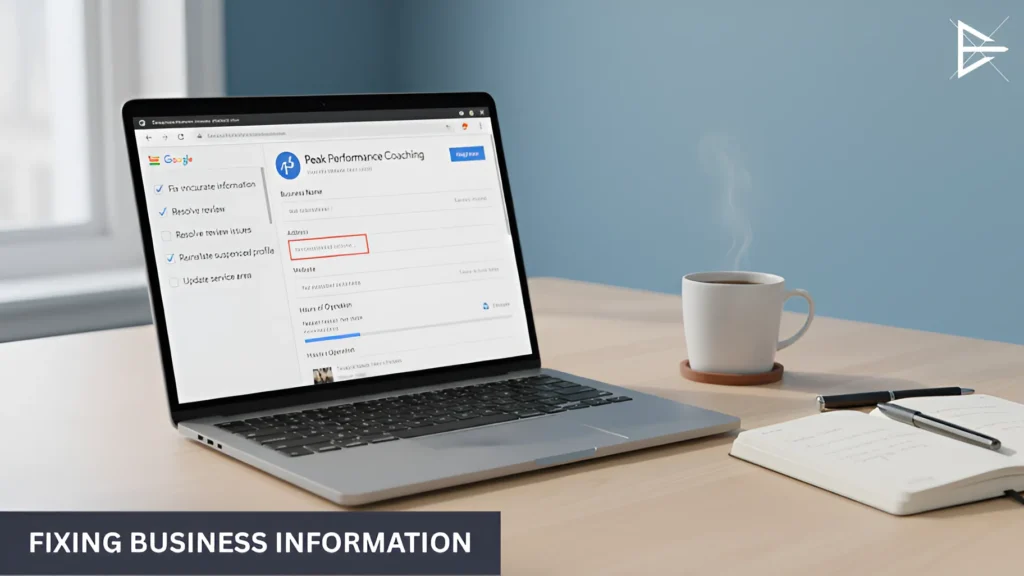
Google Business Profile listing on a laptop with duplicate business information and NAP consistency issues. (2)

If your Google Business Profile isn’t showing up like it should, the problem might be that your business information is wrong or doesn’t match across different places. Google needs to trust that the info is correct, and if there are mistakes, it might hide your profile from searches.

Here’s what to check:

● NAP mismatches across platforms: NAP stands for Name, Address, Phone number. If this info isn’t the same everywhere, on social media, your website, and other online listings, Google can get confused and won’t show your profile as often.

● Outdated hours or incomplete listings: If your business hours are wrong or missing, or if your profile doesn’t have all the right details (like your website or a good business description), Google won’t rank your profile as high.

● Confuses Google’s trust signals: Google wants to trust your business. If the information is off, it doesn’t know what to believe, which can lower your ranking.

Leads to suppressed visibility: When your info isn’t right, Google might stop showing your profile as often, even when people are searching for businesses like yours.

Wrong Categories or Missing Servicese Rankings Anymore

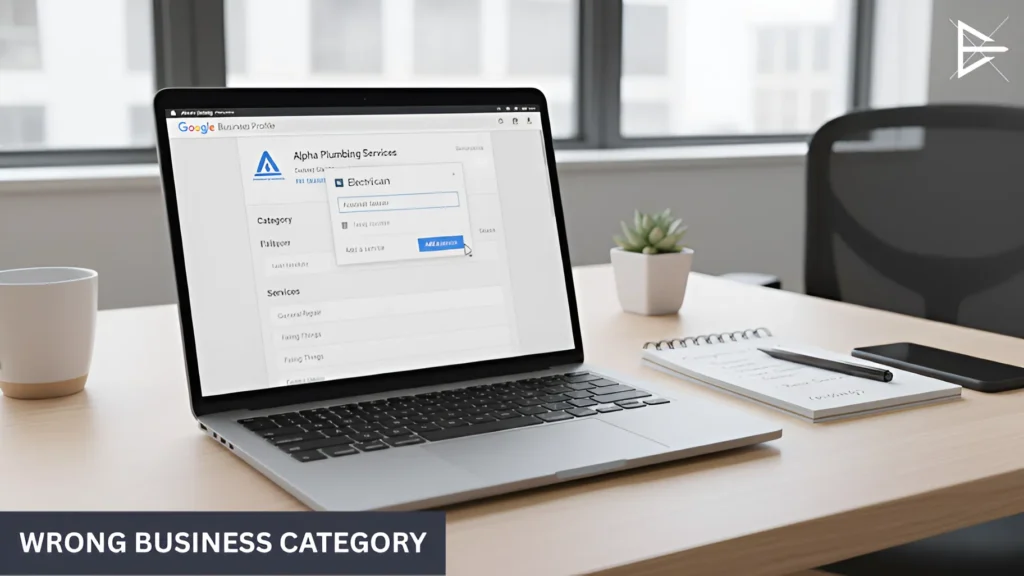
Laptop showing Google Business Profile category settings with an incorrect business category selected. (2)

If your Google Business Profile isn’t showing up as much as it should, it could be because you’ve chosen the wrong category or missed listing some of your services. These are easy fixes, and they can make a big difference in how often your business shows up in search results.

Here’s what to look out for:

● Wrong category = wrong audience: Picking the wrong category for your business can cause you to miss out on the right customers. For example, if you’re a plumber but you select “electrician” as your category, Google will show your profile to people looking for electricians, not plumbers. Make sure you choose the category that best fits what you offer.

● Missing services = fewer chances to show up: If you don’t list all the services you provide, Google won’t know to show your profile for those specific searches. The more services you list, the better the chance people searching for those things will find you.

● Easy fix with big results: The good news is, fixing this is simple. Just make sure your primary category matches what you do, and be sure to add every service you offer. It’s a small change that can help you get noticed more.

Missing, Low-Quality, or Rejected Photos

When people search for your business on Google, your photos are one of the first things they’ll see. If your photos are missing, blurry, or low quality, it can make your profile less appealing and turn potential customers away.

Here’s why this matters:

Poor visuals reduce engagement: If your photos are hard to see or don’t look professional, people are less likely to interact with your profile. Good, clear images help grab attention and encourage visitors to learn more about your business.

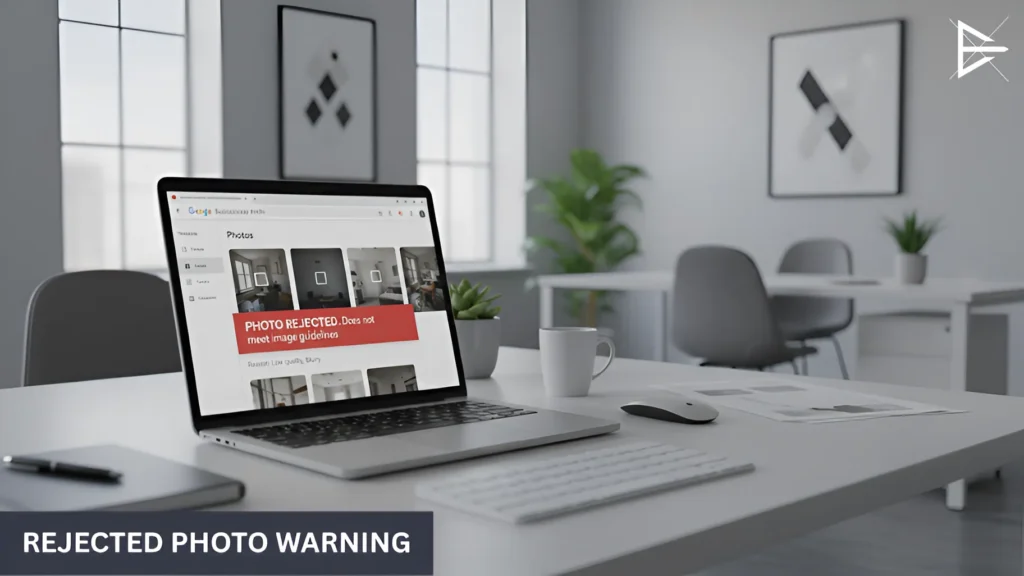
Google rejects images for quality or policy issues: Sometimes, Google won’t show your images if they don’t meet their guidelines. This could be because they’re blurry, not relevant, or don’t fit Google’s rules. Make sure your photos are clear, high-quality, and follow the guidelines.

Strong media improves trust and clicks: High-quality photos make your business look more trustworthy. The better your images, the more likely people are to click through, visit your site, or reach out for services.

● Signals to Google that the business is active: Google favors businesses that keep their profiles updated. Regularly uploading fresh photos shows Google that your business is active and engaged, which helps improve your visibility in search results.

Verification Problems, Suspensions, and Duplicate Listings

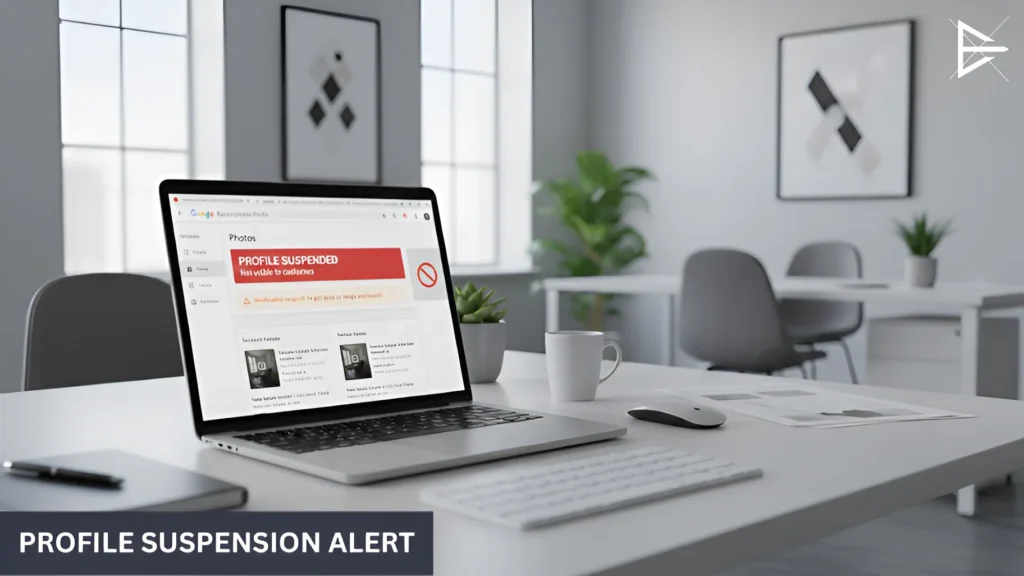
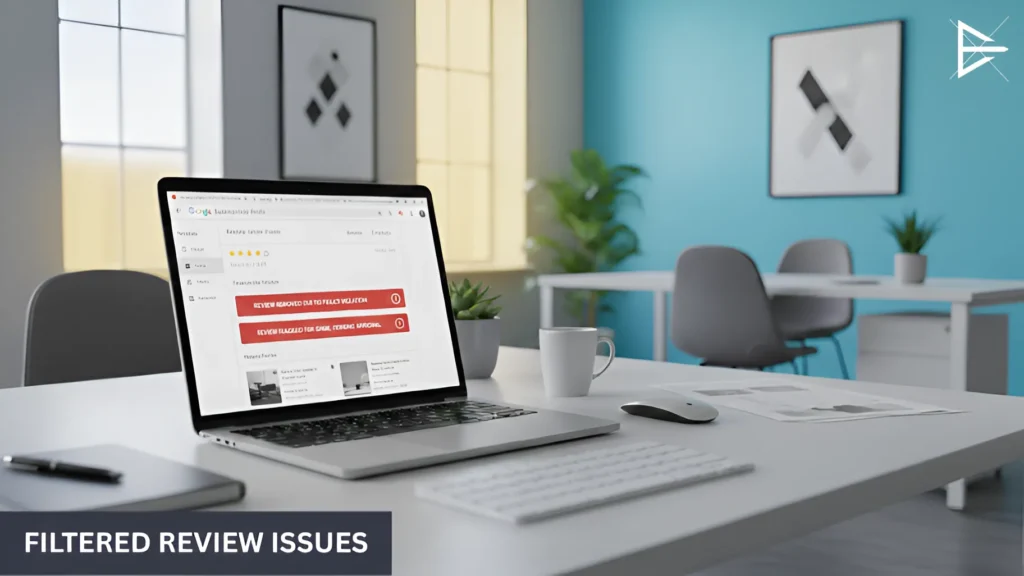
Laptop screen displaying a Google Business Profile suspension notice inside a professional office setting. (2)

If your Google Business Profile isn’t showing up on Google Search or Maps, it could be because of bigger issues. Things like verification problems, suspensions, or duplicate listings can hide your profile completely.

Here’s what might be going on:

Major blockers that remove you from Maps/Search: If your profile is unverified or suspended, it won’t show up at all. This means people can’t find you when they search on Google.

● Common causes of suspension: Google might suspend your profile if you have wrong information or violate their rules. Sometimes, Google suspends accounts if there’s unusual activity. When this happens, your profile won’t appear until you fix it.

● Duplicate profiles confuse Google: If there’s more than one listing for your business, Google gets confused and doesn’t know which one to show. This can hurt your visibility and you’ll need to merge or remove the extra profiles.

● Needs urgent correction to restore visibility: These problems need to be fixed fast. The longer your profile is hidden, the more customers you’ll lose. Fixing these issues will help get your business back where it belongs, in front of your customers.

Reviews Not Showing or Syncing Properly

If your reviews aren’t showing up or syncing correctly, it could hurt your profile’s visibility and trust.

Here’s what’s going on:

Google filters low-quality or suspicious reviews: Google has rules to filter out fake reviews or reviews that don’t seem genuine. If your reviews look suspicious or don’t follow Google’s guidelines, they might not show up on your profile.

Review loss hurts trust and rank: If you notice your reviews disappearing, it can make your business seem less trustworthy. Customers rely on reviews to decide which business to choose, so fewer or missing reviews can hurt your ranking and visibility.

● Why reviews disappear: Sometimes reviews are removed because Google flags them as spam or they don’t meet its review guidelines. This can happen if reviews are too generic or if there’s a pattern that looks like fake feedback.

The importance of responding to reviews: Google loves when businesses respond to reviews. Regularly replying to reviews can also improve your profile’s visibility.

How to Fix Google Business Profile Issues Fast (Step-by-Step)

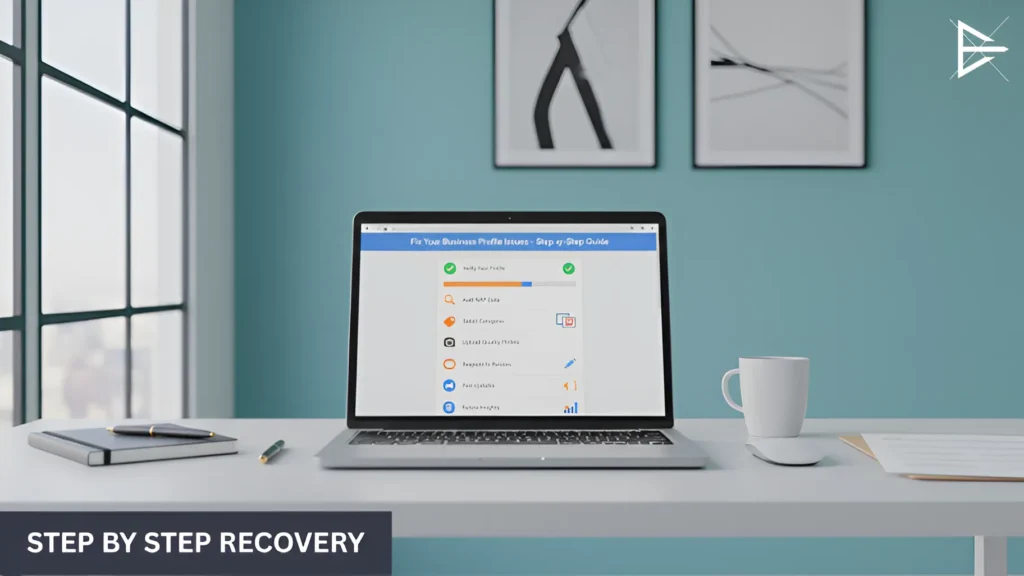
Laptop displaying a Google Business Profile being edited to correct inaccurate business information on a clean office desk.

If your Google Business Profile isn’t working right, don’t worry, here’s a quick and simple way to get it fixed and back on track:

Verify or reinstate: First, check if your profile is verified. If not, you need to verify it. If it’s suspended, follow the steps to get it reinstated.

Audit all NAP data: Go through your Name, Address, and Phone number (NAP) on your profile and make sure it matches everywhere else, like on your website and social media.

● Choose accurate categories: Pick the right categories for your business. If your primary and secondary categories are wrong, it’s harder for Google to show your profile to the right people.

● Merge/remove duplicates: If you have more than one listing for your business, you need to merge or remove them. Duplicate profiles confuse Google and make your business look less trustworthy.

● Upload high-quality photos: Make sure your photos are clear and high-quality. Google and your potential customers want to see your business in the best light, so upload new, bright, and crisp images regularly.

● Build and respond to reviews: Ask your customers for reviews and always take time to respond. Engaging with reviews shows Google you’re active and helps build trust with new customers.

● Update hours, services, and description: Keep your hours and services up to date. If something changes, like your business hours, make sure your profile reflects that so customers know when to reach you.

● Use Posts for activity signals: Google Posts are a great way to show that you’re active. Share updates or special offers regularly to keep your audience engaged and show Google you’re present.

● Review Insights for data-driven tweaks: Check your GBP Insights regularly. This data can help you make smart adjustments to improve your profile even more.

A Note from Someone Who Fixes These Issues Every Day

Laptop displaying a Google Business Profile being edited to correct inaccurate business information on a clean office desk. (2)

I work with Google Business Profiles every day, helping businesses like yours get back on track. Whether it’s fixing inaccurate information, solving review issues, or dealing with suspensions, I’ve seen it all and I know how to fix it.

Here’s how I can help:

● I’ve helped businesses improve their profiles: From small fixes to major overhauls, I’ve worked with businesses to boost their visibility and get them back in front of their customers. I know what works, and I can apply that to your profile.

● I understand how frustrating these problems can be: It’s tough when your profile isn’t working the way it should. Whether it’s a suspension or missing reviews, I get that it can feel overwhelming. I’ve seen how quickly these problems can be solved when you know what to do and I can make that happen for you.

● I’ve got the experience to know which fixes make a real difference: Over the years, I’ve worked with many businesses and fixed a range of issues. I know what small changes can lead to big improvements in your profile’s performance and what steps will really make your business stand out.

Final Thoughts: Keeping Your Profile Healthy Long-Term

Once your Google Business Profile is working well, it’s important to keep it that way. To make sure it stays in good shape, you need to give it regular check-ups. Don’t just set it and forget it. Update your profile every now and then to keep it fresh.

Even small changes, like adding new photos or replying to reviews, can help your profile show up more in search results. These little updates add up over time and can make a big difference.

You don’t need to do anything complicated. Just keep your information accurate, post updates now and then, and answer reviews. Google rewards businesses that stay active and consistent. Most issues can be avoided if you make checking your profile a regular habit. This way, you can spot problems early and fix them before they get worse.

Frequently Asked Questions

Why isn’t my Google Business Profile showing up?

Your profile may not appear if your information is outdated or incomplete. Google needs accurate details to understand and trust your listing, and even small errors can reduce visibility.

Make sure your NAP details are consistent across all platforms and verify your profile. Once everything matches, Google is more likely to show your business in search results.

How do I fix a Google Business Profile suspension?

Suspensions usually happen when Google detects incorrect info or guideline violations. Review your profile closely to make sure everything follows Google’s rules.

After fixing any issues, submit a reinstatement request. Google will check your updates, and if everything is correct, your profile will be restored.

Why did my Google Business Profile get suspended?

Profiles often get suspended when the address is invalid, the information is misleading, or the account triggers unusual activity. Google prefers clear, verifiable details.

Correct the information and follow Google’s requirements, then request reinstatement to get your profile active again.

How long does it take for my Google Business Profile to get verified?

Phone and email verification usually take a few days. Mail verification can take one to two weeks depending on your location.

To avoid delays, make sure all your business details are complete and accurate before starting the verification process.

How do I fix missing or disappearing reviews?

Reviews may disappear when Google filters them for spam or guideline violations. It often happens when reviews are too short or look repetitive.

Ask customers for detailed feedback and respond regularly. This helps keep your reviews active and builds trust with Google and potential clients.

Why aren’t my photos showing up on Google Business Profile?

Photos may be rejected if they are blurry, low resolution, or unrelated to your business. Google prefers clear and useful images.

Upload bright, high-quality photos that show your business clearly. Fresh photo updates also signal activity to Google.

How do I make sure my Google Business Profile shows up in local search?

Your profile needs accurate business info and the right primary category to appear in local search. Missing services or outdated details can lower your visibility.

Keep your profile active with photos, posts, reviews, and updates. The more complete and engaged it is, the more often Google will show it.

What should I do if my Google Business Profile has duplicate listings?

Duplicate profiles confuse Google and split your visibility. This can cause ranking issues and lower your chances of being found.

Use the merge or remove option inside your Google Business dashboard to clean up duplicates and keep one accurate listing.

How do I choose the right category for my business on Google?

The right category helps Google understand what you do and who to show your profile to. Choosing the wrong one can attract the wrong audience.

Select the category that best describes your main service and add secondary categories only if they truly match your business.

Why is my Google Business Profile not getting any views?

A drop in views often means something in your profile is incomplete or outdated. Even small issues can hurt visibility.

Update your photos, check your hours, and make sure your description is complete. These small changes can help your profile gain traction again.

How do I fix incorrect business information on Google?

Incorrect details confuse both Google and your customers. If your NAP info doesn’t match across platforms, your ranking may drop.

Update the incorrect info inside your Google dashboard and make sure it matches your website and other listings.

How often should I update my Google Business Profile?

Even if nothing changes, updating your profile regularly helps keep it active in Google’s eyes. Fresh content signals that the business is open and active.

Upload photos, post updates, and respond to reviews weekly or monthly to stay competitive in search results.

Why aren’t my reviews syncing with Google?

Reviews may fail to sync if Google suspects spam or finds patterns that look unnatural. This can make reviews disappear or not show at all.

Make sure reviews are genuine and unique. Responding to reviews also helps Google treat your profile as trustworthy.

How do I fix missing business hours on Google Business Profile?

Missing hours can lead to lost customers and fewer clicks. Google prioritizes profiles with complete and clear information.

Update your hours inside your dashboard, including holiday schedules. This helps customers know exactly when you’re open.

How can I make my Google Business Profile stand out in search results?

A standout profile has accurate details, strong photos, and active engagement. These elements help your listing appear more often.

Reply to reviews, add posts, and upload new photos to keep your profile fresh and appealing to both Google and potential customers.

Can I have multiple Google Business Profiles for one business?

Multiple profiles can confuse customers and reduce your ranking. Google prefers one accurate, complete listing per business.

If you have duplicates, merge them into one profile to strengthen your visibility and avoid ranking issues.

How do I check if my Google Business Profile is verified?

Log into your dashboard and check the status next to your business name. If it says Verified, your profile is active.

If not, follow Google’s verification steps so your profile can appear in search results and maps.

How do I merge two Google Business Profiles?

Go to your dashboard and look for the duplicate listings tool. Merging cleans up your visibility and prevents confusion.

After merging, all your information stays organized under one strong, complete profile.

Why are my photos rejected by Google Business Profile?

Photos get rejected when they are blurry, too dark, unoriginal, or unrelated to your business. Google wants real, clear images.

Use bright, high-quality pictures that show your business in a professional and accurate way to increase acceptance.

How do I use Google Posts to improve my profile?

Google Posts help show that your business is active. Sharing updates, offers, and news makes your profile more engaging.

Posting regularly improves your chances of showing up in search and helps customers learn more about your business.

About the Author

Harvie Ken Colonia

Hi, I’m Harvie!

Since 2019, I’ve been helping businesses improve their online presence, and one thing I’ve learned is that a strong Google Business Profile can make all the difference. It’s often the first thing potential customers see, and when it’s not working right, it can cost you business.

If your Google Business Profile isn’t getting the results you want, whether it’s fewer calls, fewer reviews, or just not showing up when it should, I get it. It’s frustrating. But the good news is, these issues are usually easy to fix with a few simple updates. I help businesses like yours get their profiles back on track quickly so they can start showing up in local searches and attracting the right customers.

Whether it’s fixing incorrect information, adding photos, or handling reviews, I’ve got you covered. If you’re ready to get your Google Business Profile working for you, feel free to reach out. I’m here to help!